a couple of Free Mac Utilities for your delight.. (Mac OS only — won’t work on iPhone/iPad.)
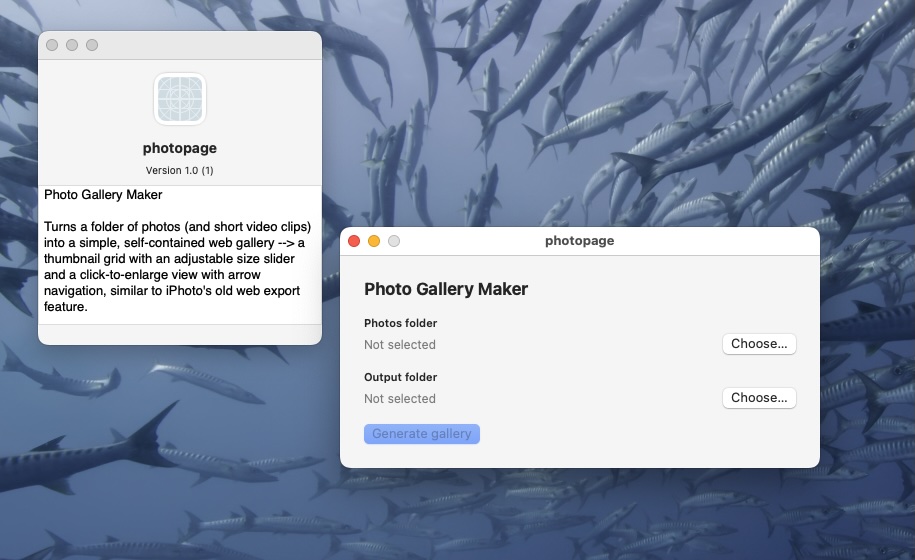
Photopage is a Photo Gallery Maker Utility for a webpage to upload to server
Turns a folder of photos (and short video clips) into a simple, self-contained web page gallery –> a thumbnail grid with an adjustable size slider and a click-to-enlarge view with arrow navigation & zoom cursor, similar to Apple’s old iPhoto which could web page export a folder you could upload to your server with all your photos together with an index page.(download here)
ps
if you want to prepare your image files before running Photopage, easiest way is, if you are in photos on mac, export to folder and choose your size format compression etc
but
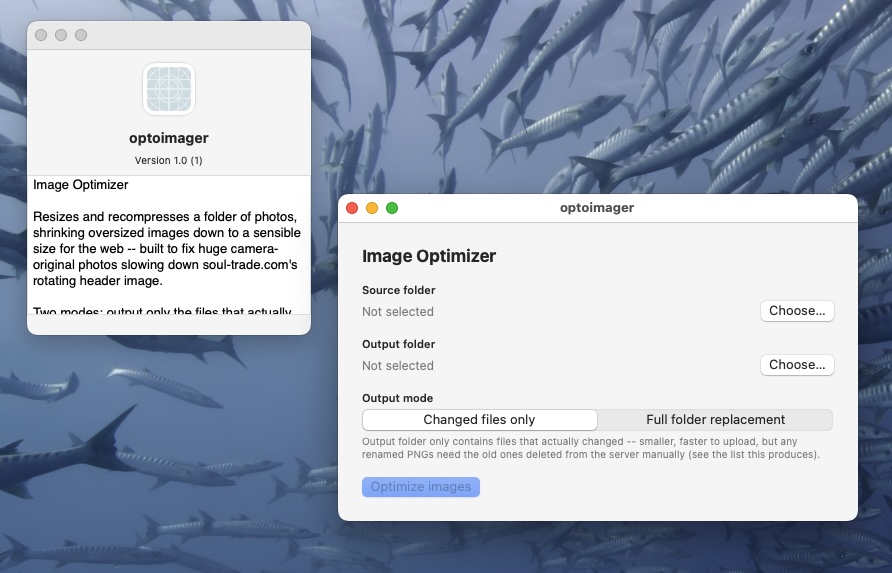
if you have a mixed folder of images jpegs pngs and some are big and you want to make them smaller try our Optoimage utility that batch edits them, reduces stuff over 500k and produces jpegs from bigger pngs — you can output as a single total folder or a folder that has only the changed files (remember though that the bigger pngs would remain in your original folder, so if you added the changed files you’d duplicate the pngs
nice wee app it is, built to fix huge camera-original photos slowing down soul-trade.com’s rotating header image top of our web pages (download here)
Both Utilities are only for Mac OS (desktops & Laptops) not for IOS phones & tablets
ps — after unzipping, open the ReadMe first — it covers the Mac security warning thing regarding installs not from their App store
If these have been useful, please consider a small donation — donate via JustGiving to BookTrust, Oxfam, Shelter or MSF.
we have evolved Photopage to Photopager-X
see below
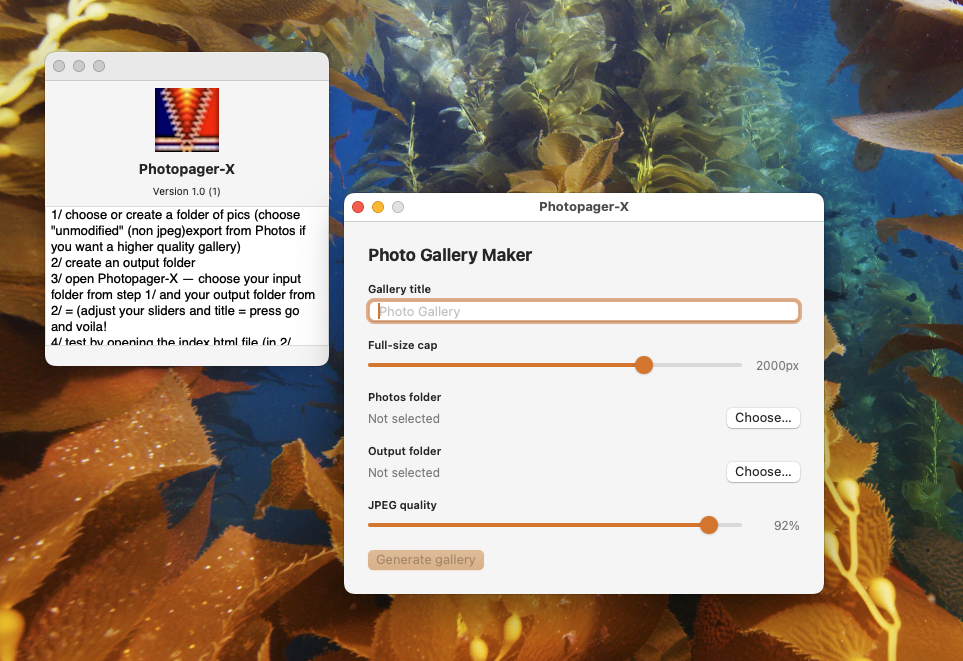
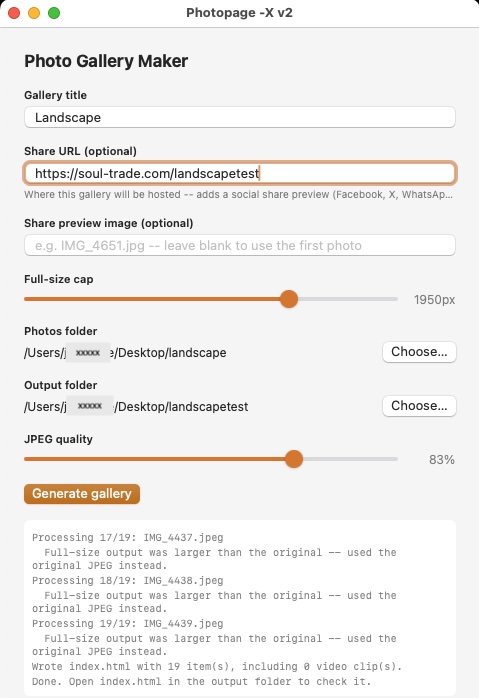
v2 shows a thumbnail pic with the link (when shared on socials) (previously you would have had to edit the index page after uploading to your server– now it can be done when you generate the page!
the app allows you to optionally choose a specific thumb image for the share link or defaults to first one)
+ it can now render moderate jpegs without grainy double compression (as well as high quality: see carlisle photo gallery https://soul-trade.com/carlisle/)
the new V3 now has optional location and dates inserted under the main photos and a built in Help as well as ignoring photos where the outputted file would be double compressed and larger and grainier!
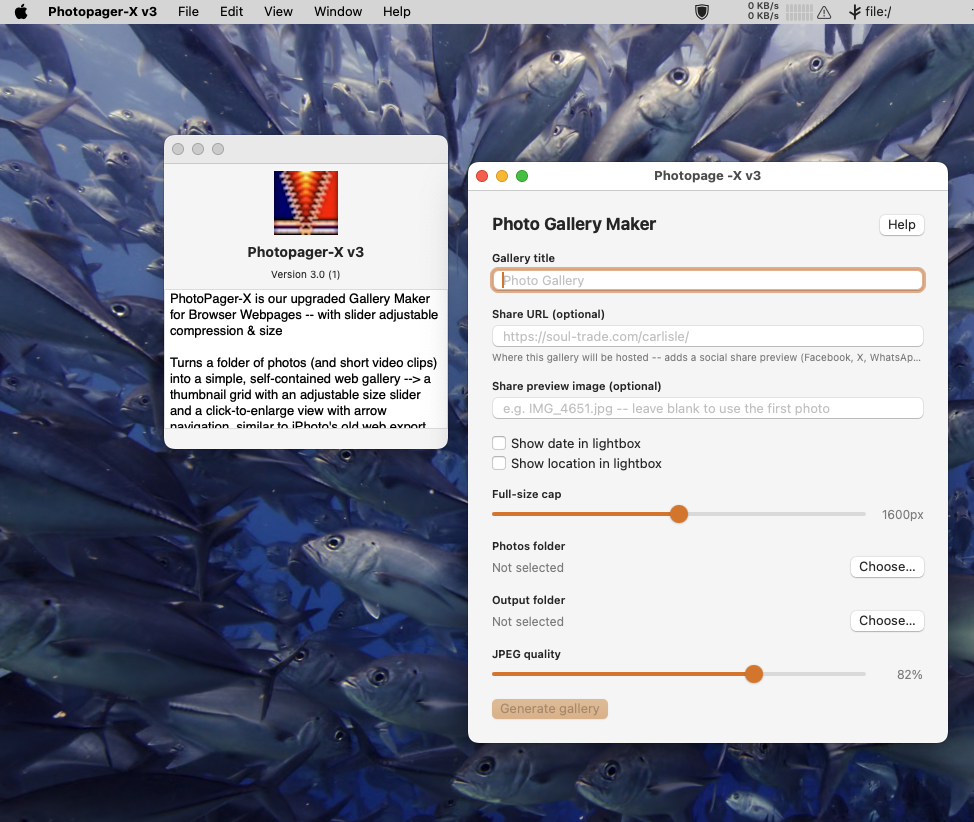
here is the Help html for info https://soul-trade.com/Photopager-X_Help.html
if u are interested in v3 do get in touch..
—-
we also use several other home-made utilities including a wee utility we made called re-sync folder by folder, originally built to allow us to mirror our servers to NAS backup.
syncing the whole site in one go can crash partway through on a flaky connection on ftp or ssh, and starting over used to mean re-checking all 127,000+ files again. Folder-by-folder breaks the job into small chunks — if one crashes, you only lose that one folder, not the whole run.
we usually use Fetch for the mac but it doesn’t allow us to exclude folders or files, so a mirror has to go through thousands of files, and our image folder that holds our rotating images is well over a 1gb and doesn’t change, so we set about an app to mirror and compare folder by folder so that it doesn’t time out and fail if one file or folder causes problems.
we could make this available as an affordable app if there was enough interest
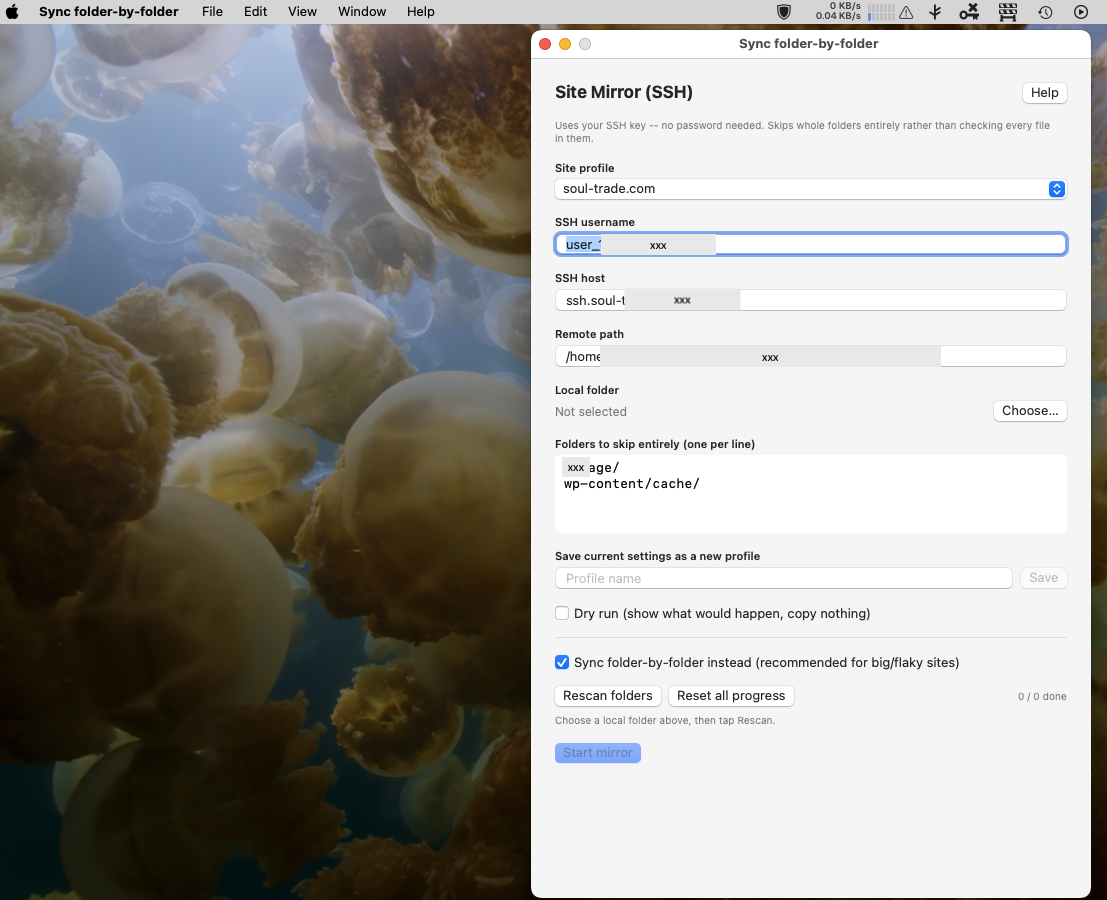
our Site Mirror (SSH) folder by folder app has grown & evolved considerably..
It Downloads and mirrors a copy of a website over SSH using rsync, skipping whole folders entirely if needed (image libraries, cache folders) rather than checking every file in them one by one — so much faster than a plain FTP mirror for sites with folders that rarely change.
It can save different profiles for different sites
Uses your Mac’s own SSH key for the connection so no password stored anywhere.
our own Help & info is here https://soul-trade.com/folder-by-folder-sync-guide.html
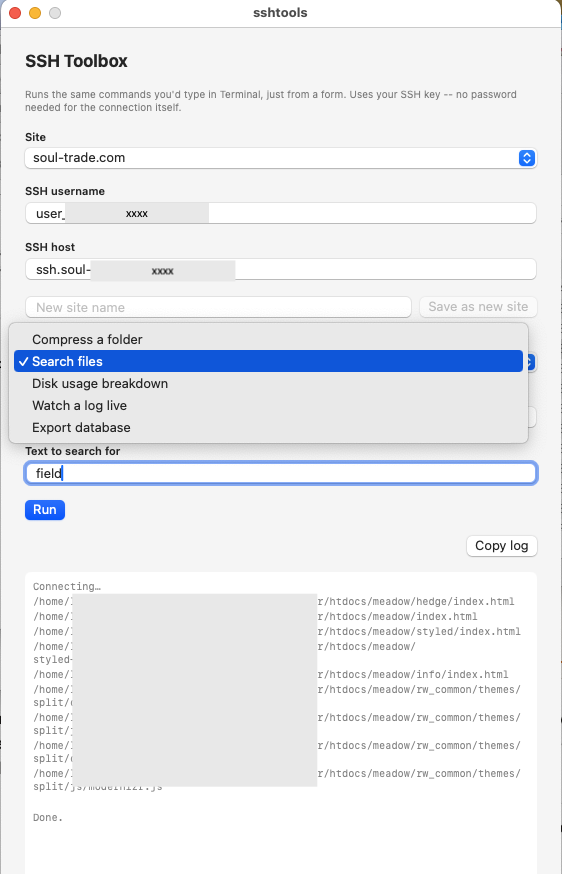
Similarly we have a ssh toolbox that fulfils various needs that we could make available if there was sufficient interest