←
→
Practice management built for holistic and complementary health practitioners. Browse at your own pace — click any screenshot to zoom.
First thing you see — a rich dashboard showing what needs attention right now.
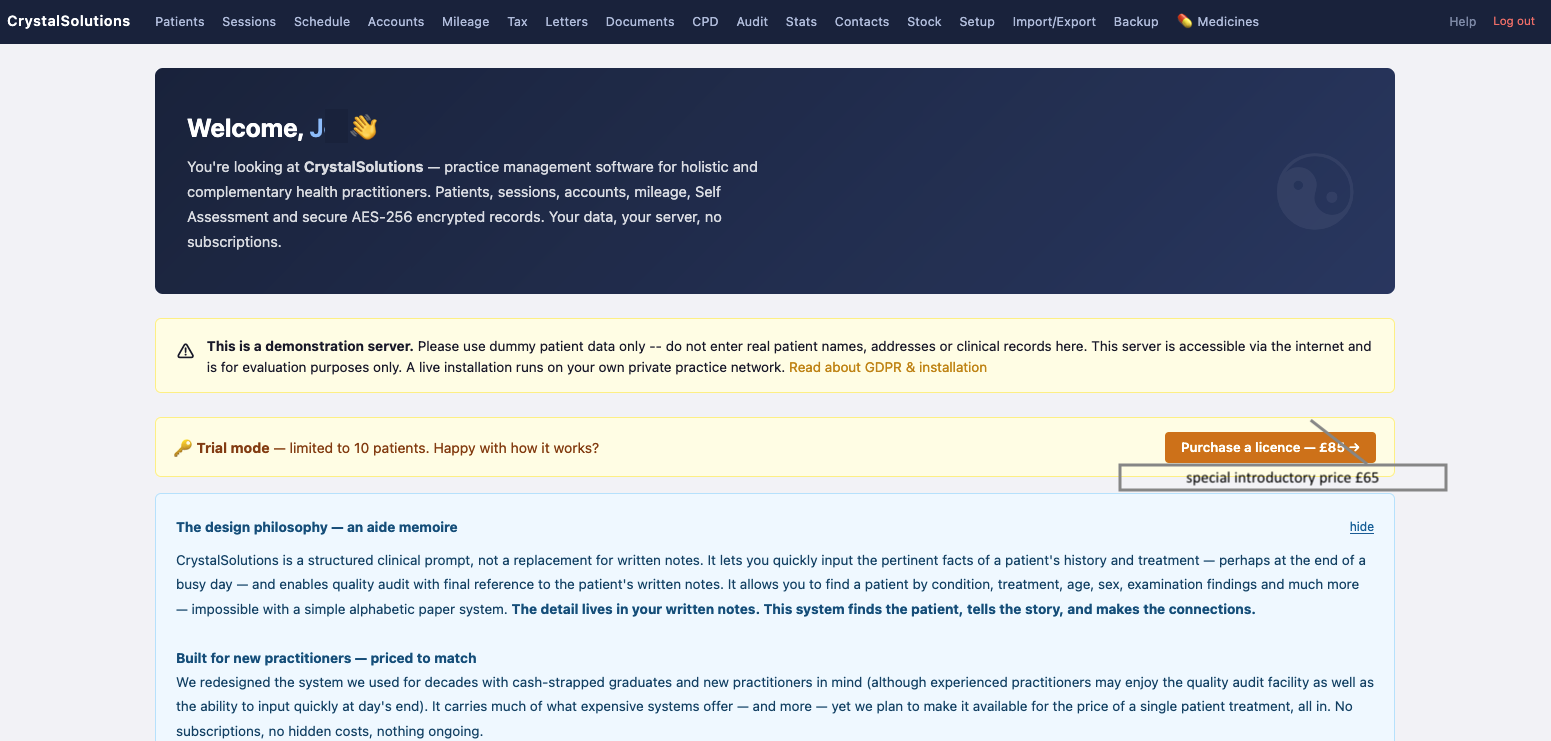
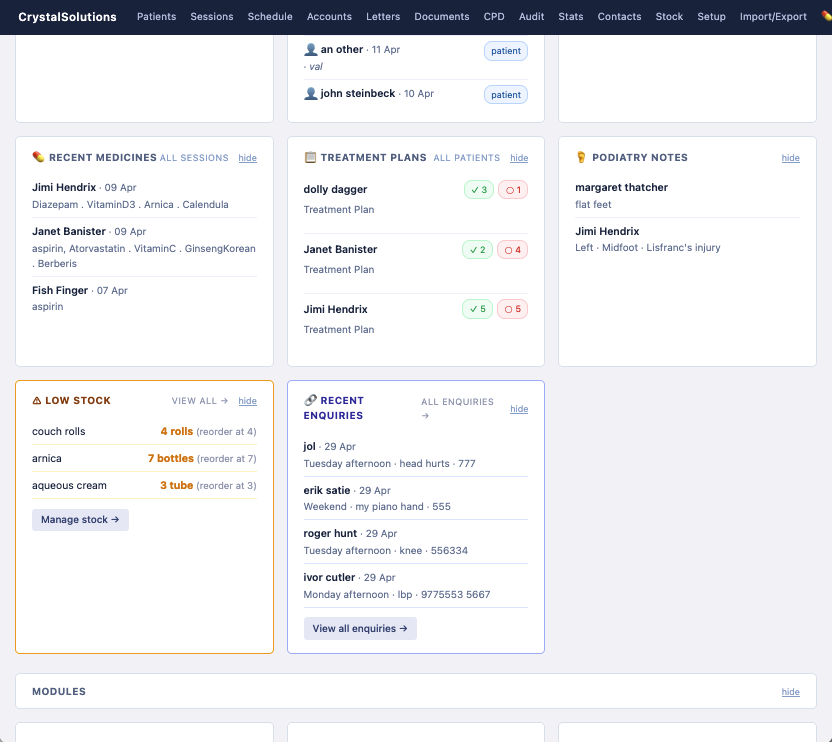
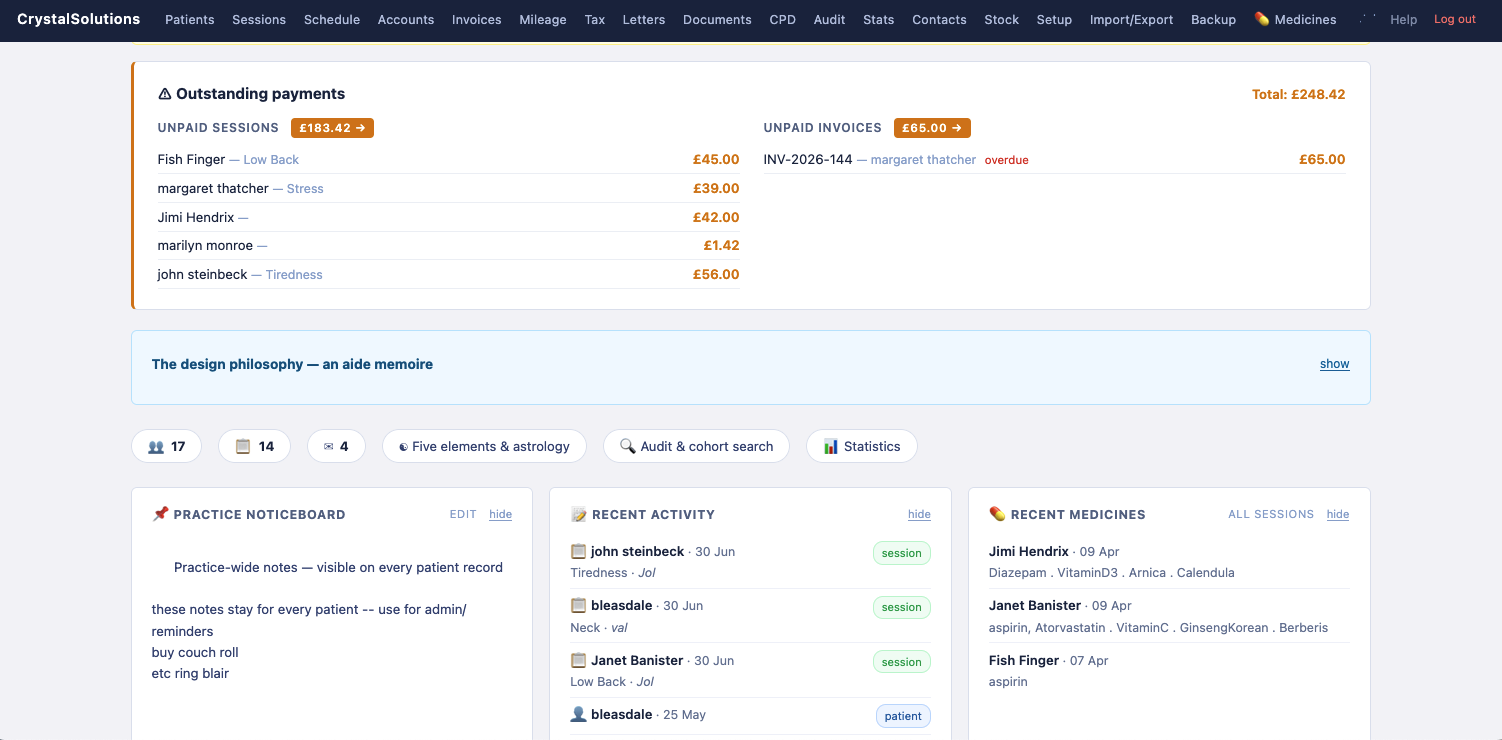
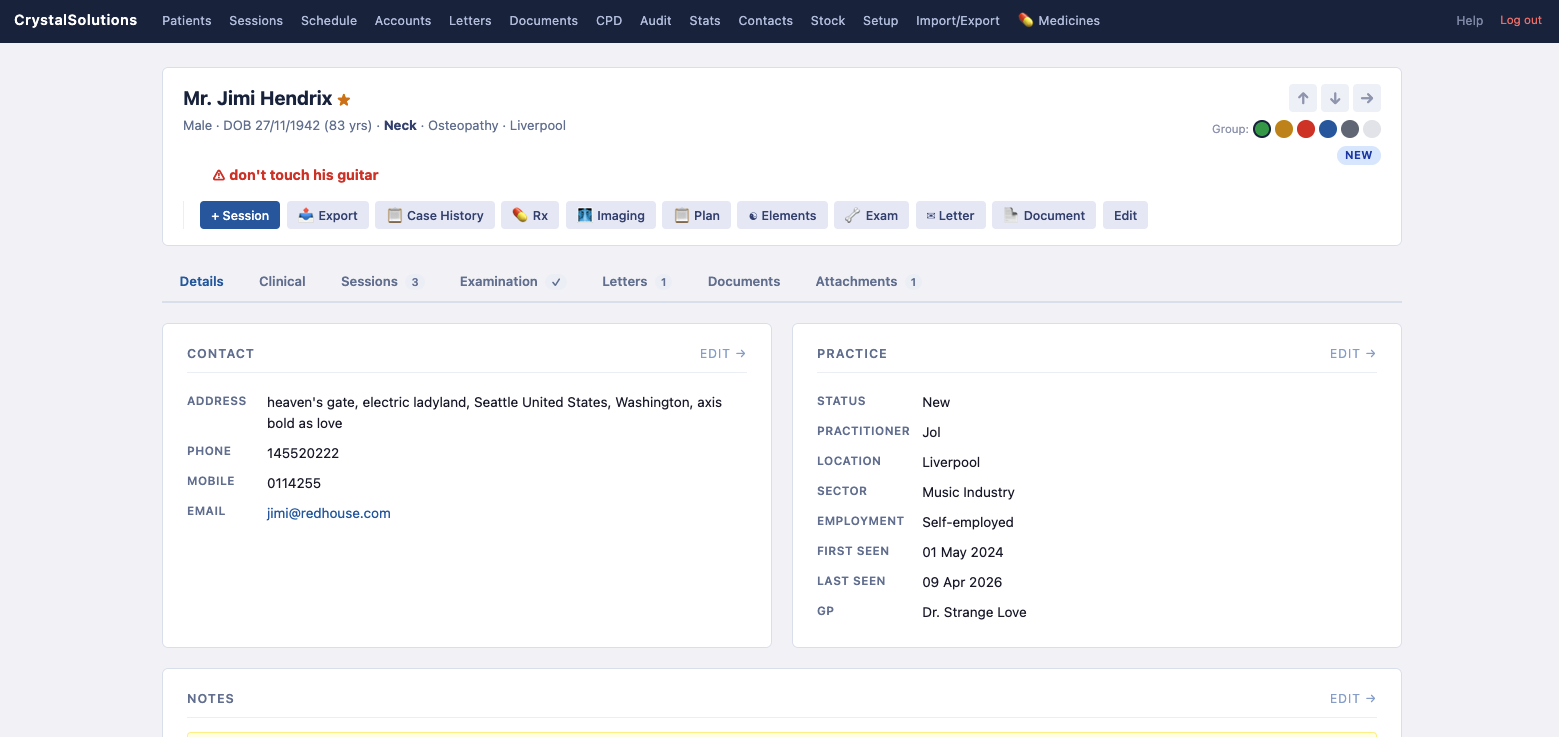
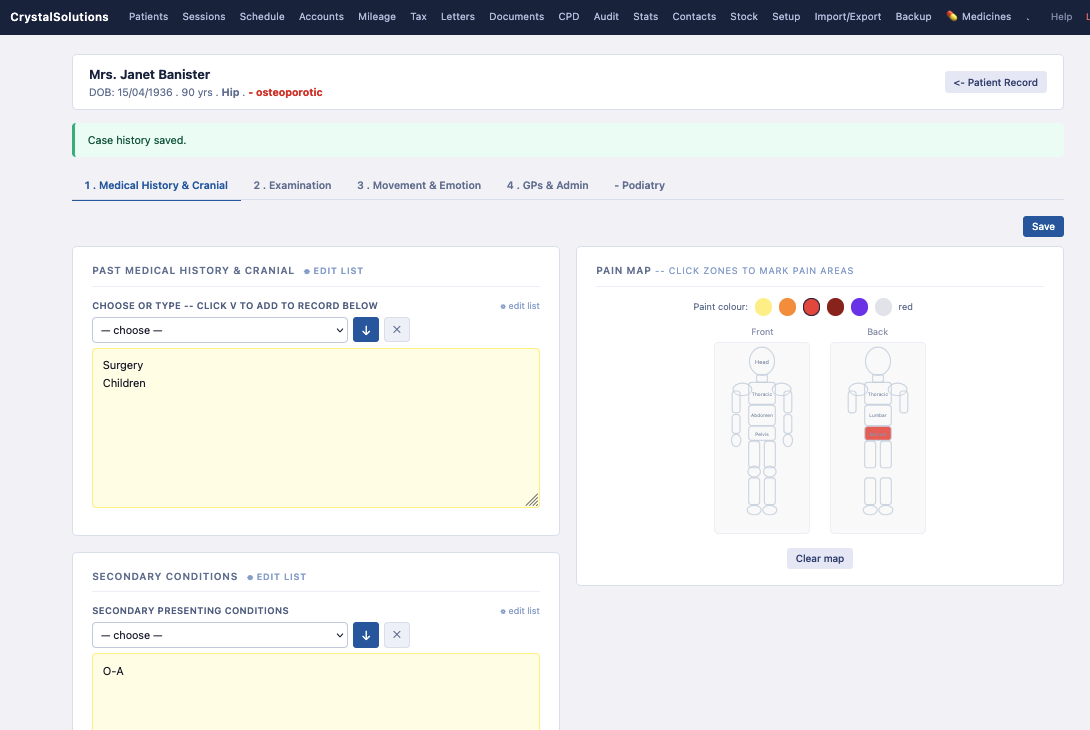
Patient records with full clinical depth — contact details, precautions, case history, pain map, examination, treatment plans and more.
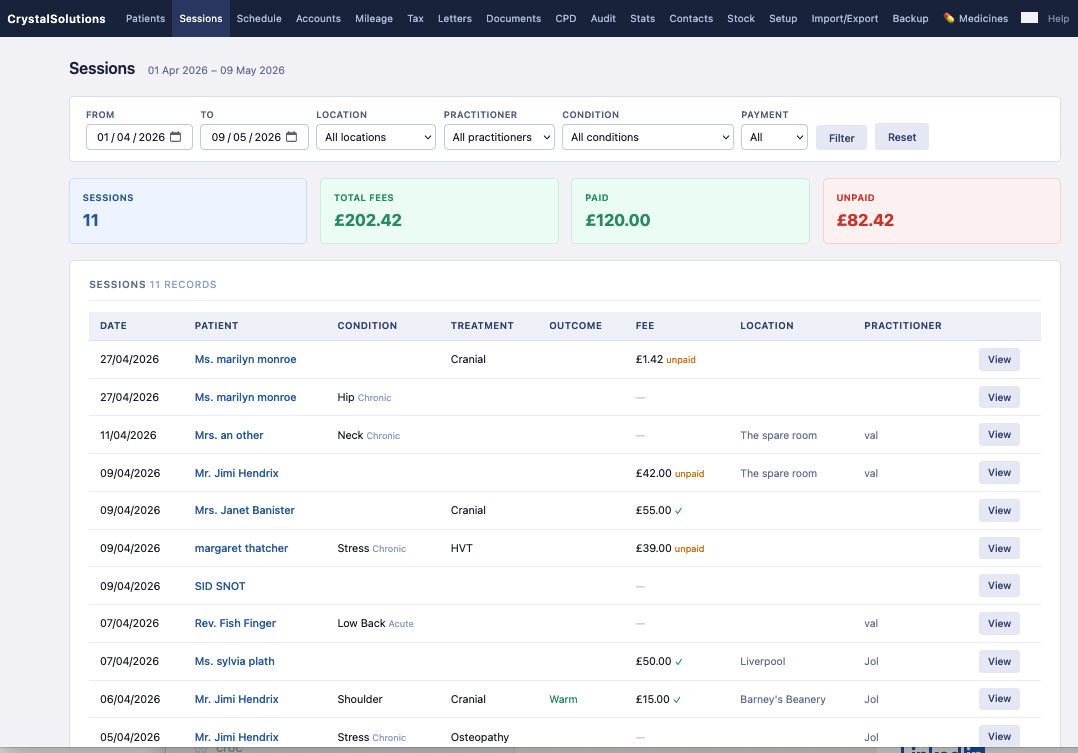
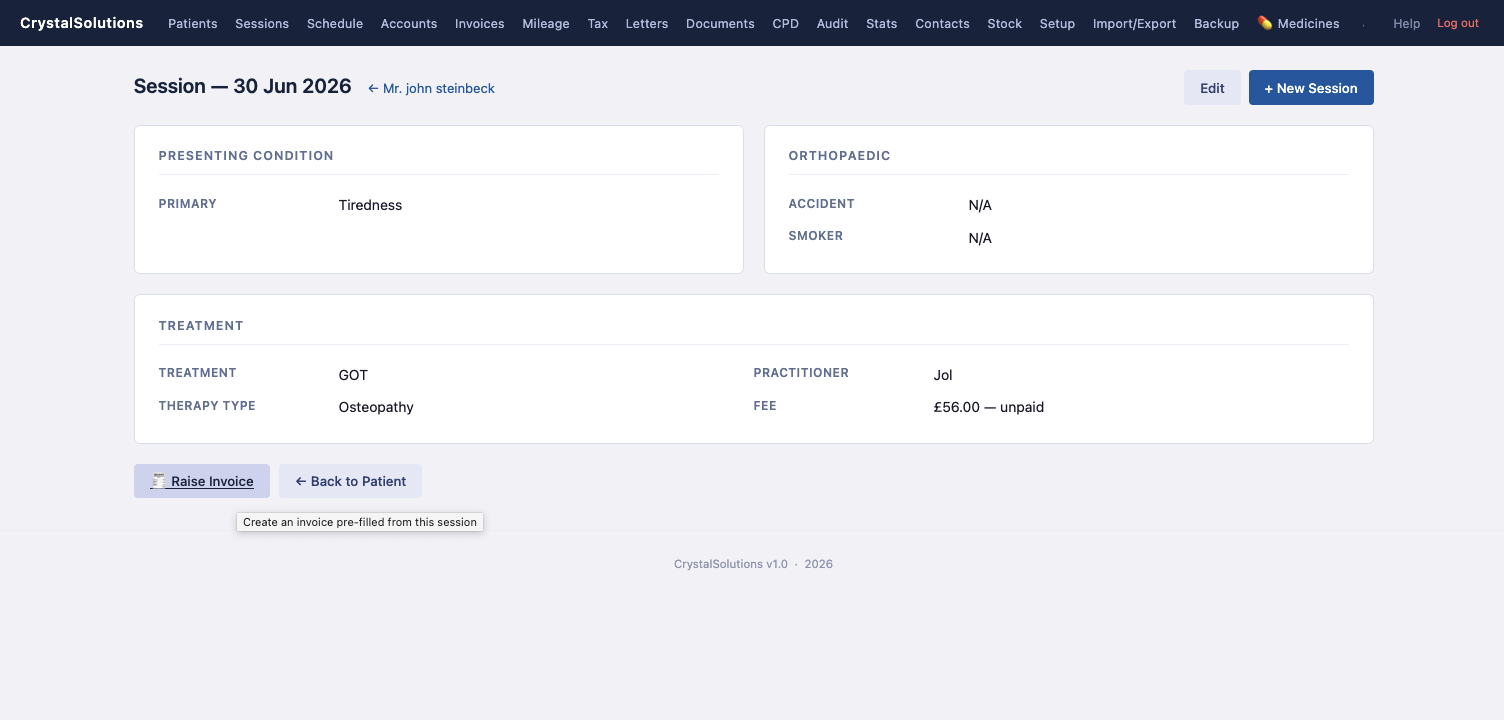
Session log across all practitioners and locations with fee tracking, invoicing and a direct bridge into Accounts.
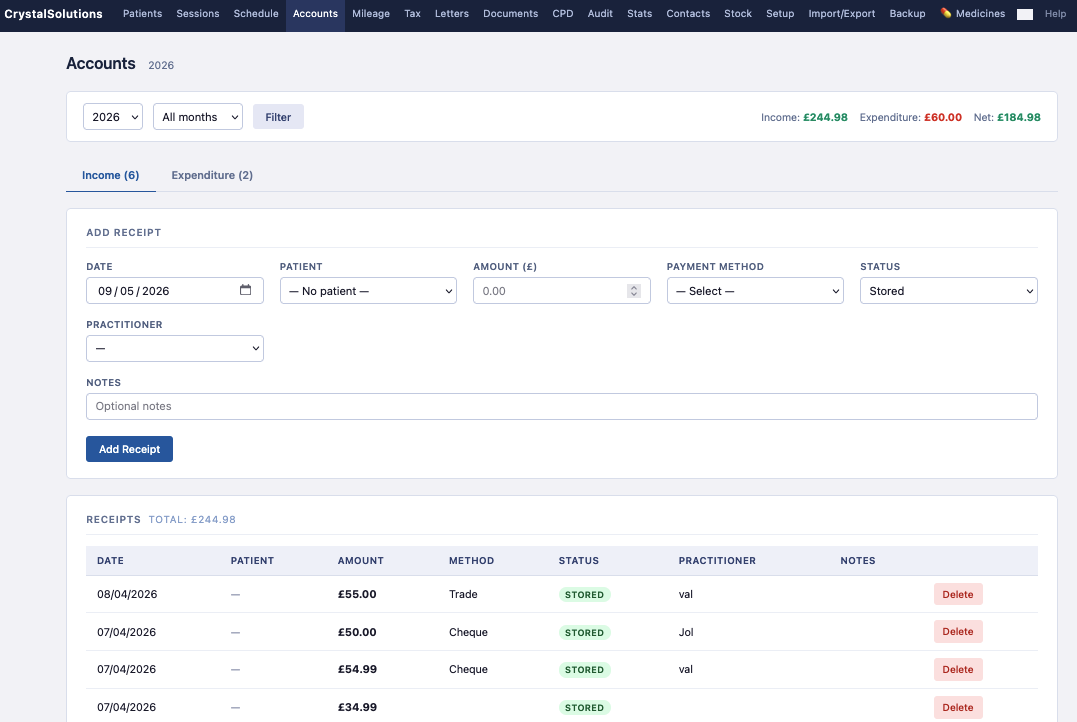
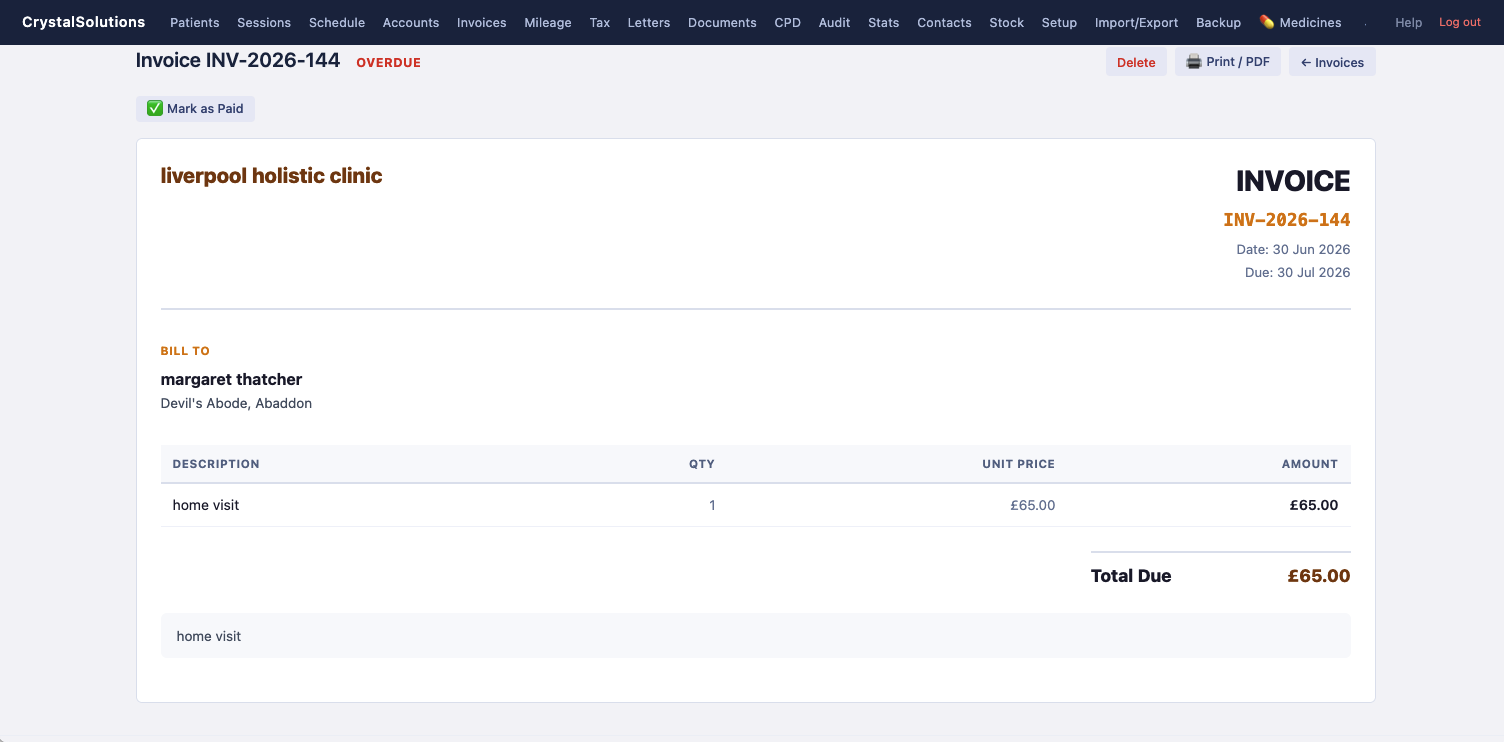
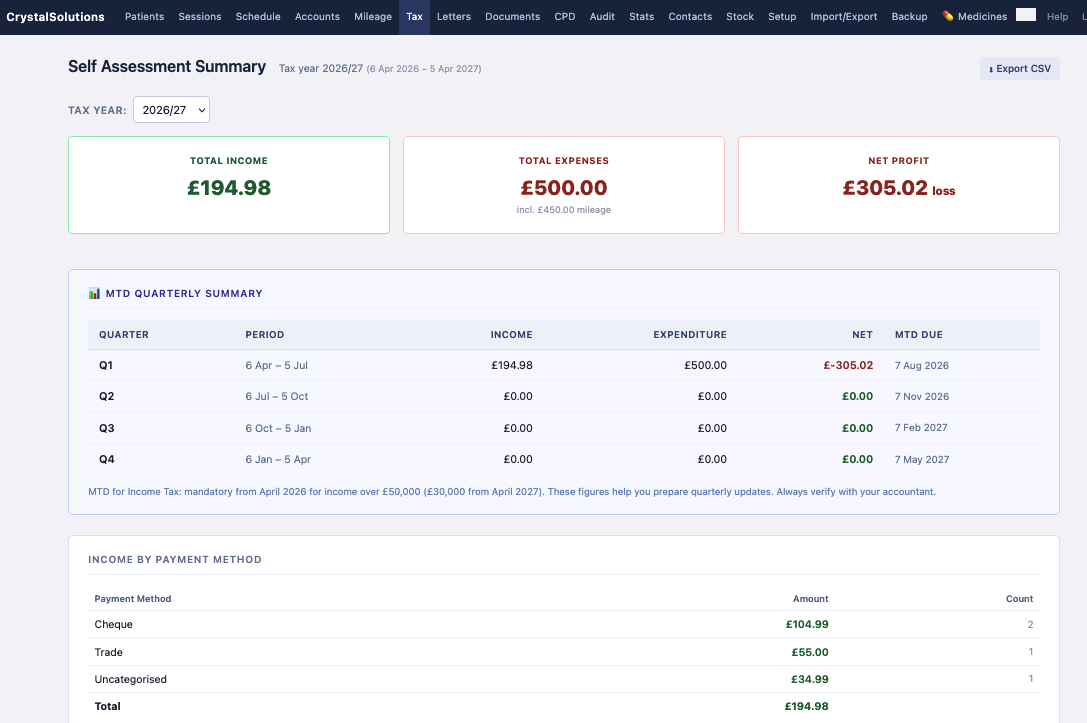
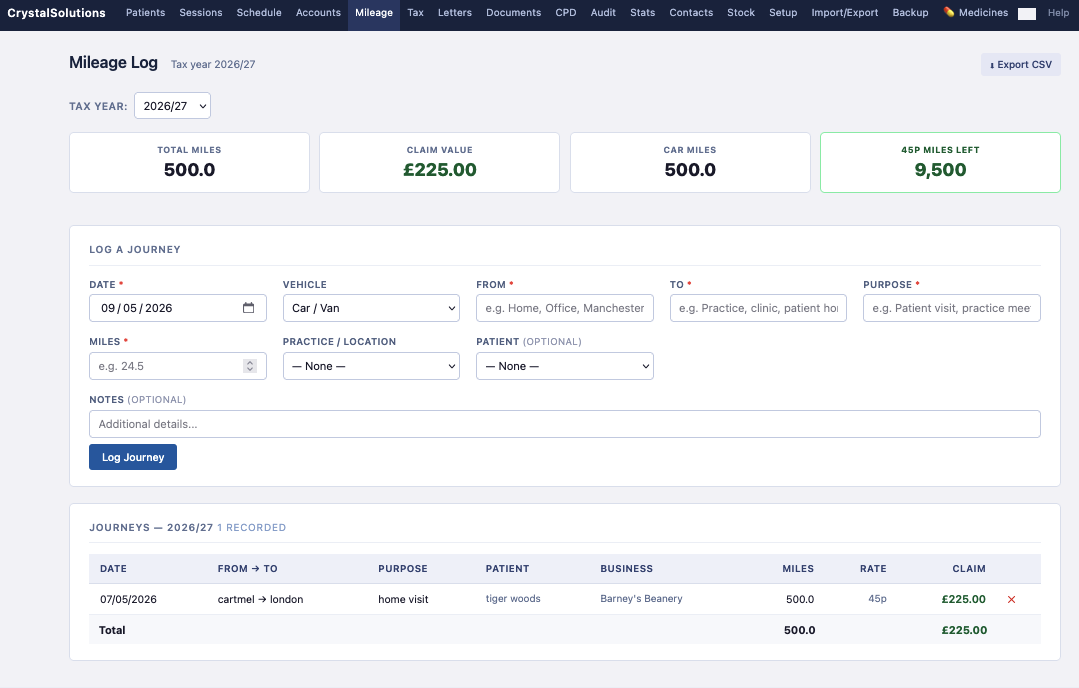
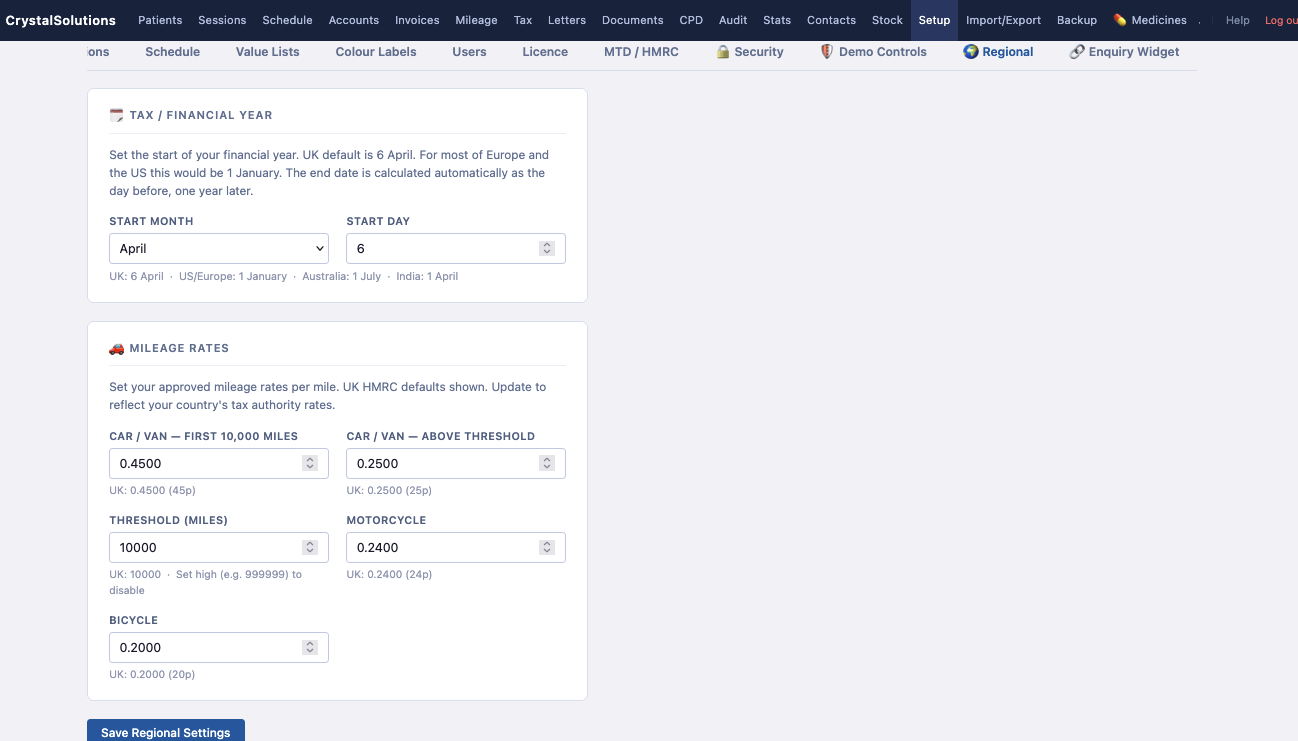
Self Assessment summary with MTD quarterly breakdown, and mileage log at HMRC-approved rates — all the numbers your accountant needs.
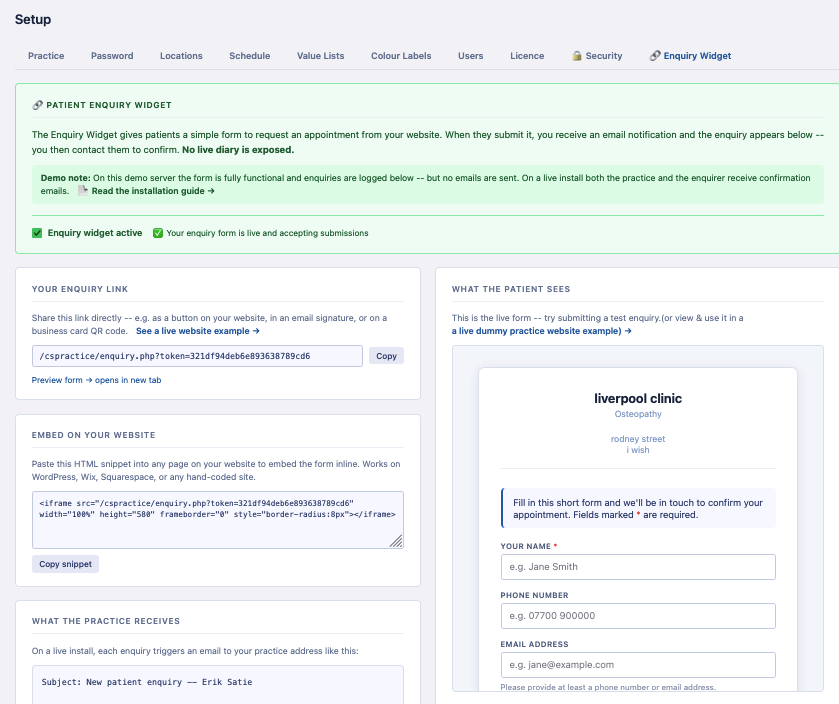
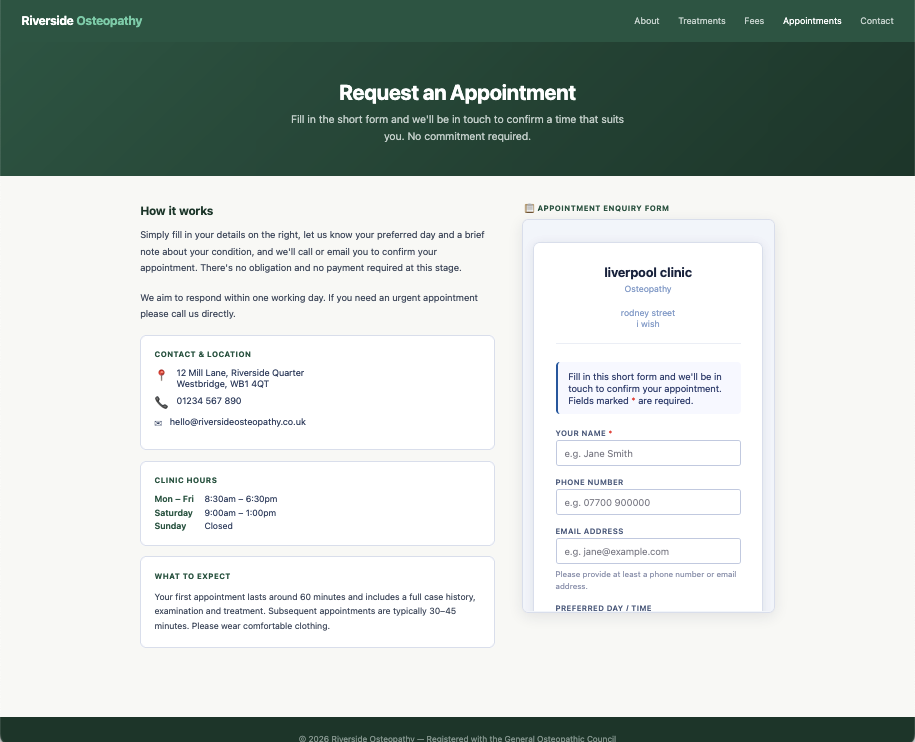
A simple patient enquiry form you can embed on your own website or share as a link — no live diary exposed.
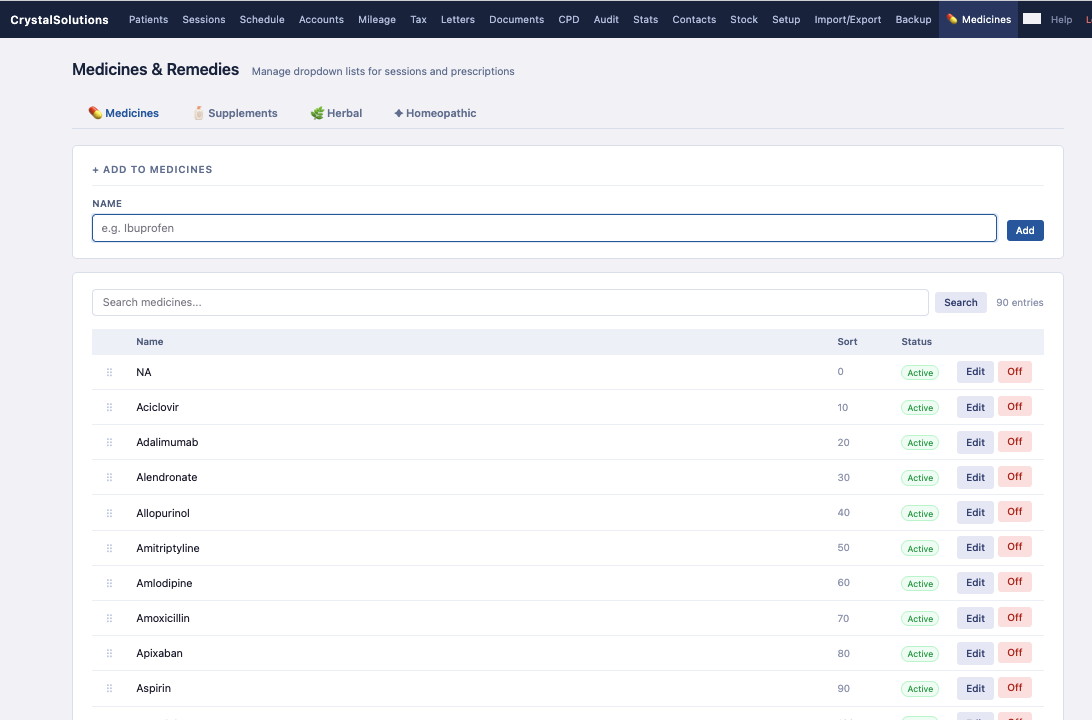
Medicines, supplements, herbal and homeopathic remedy lists — searchable, sortable, used in prescriptions throughout the system.
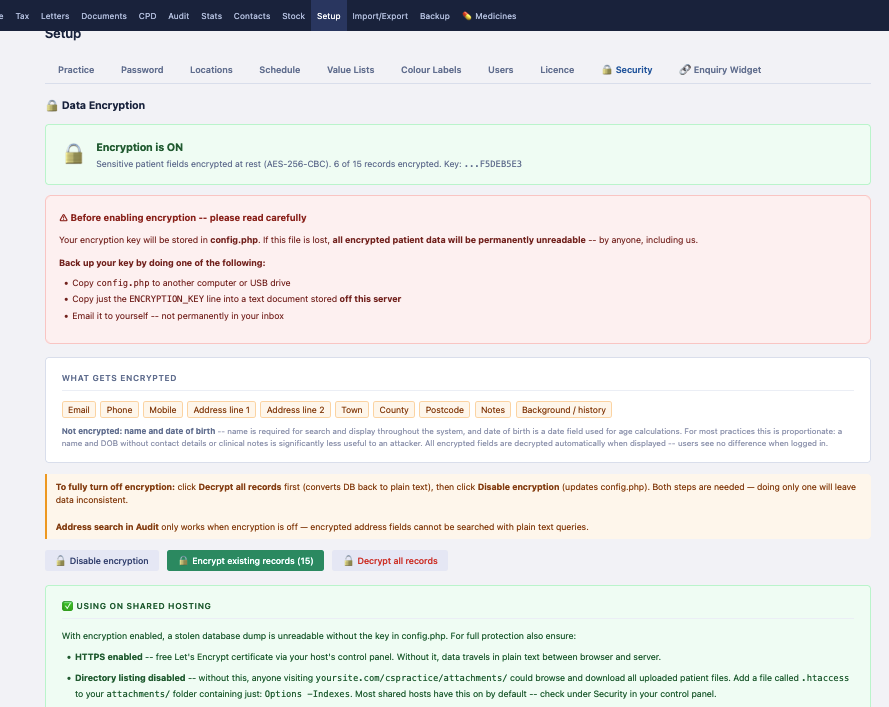
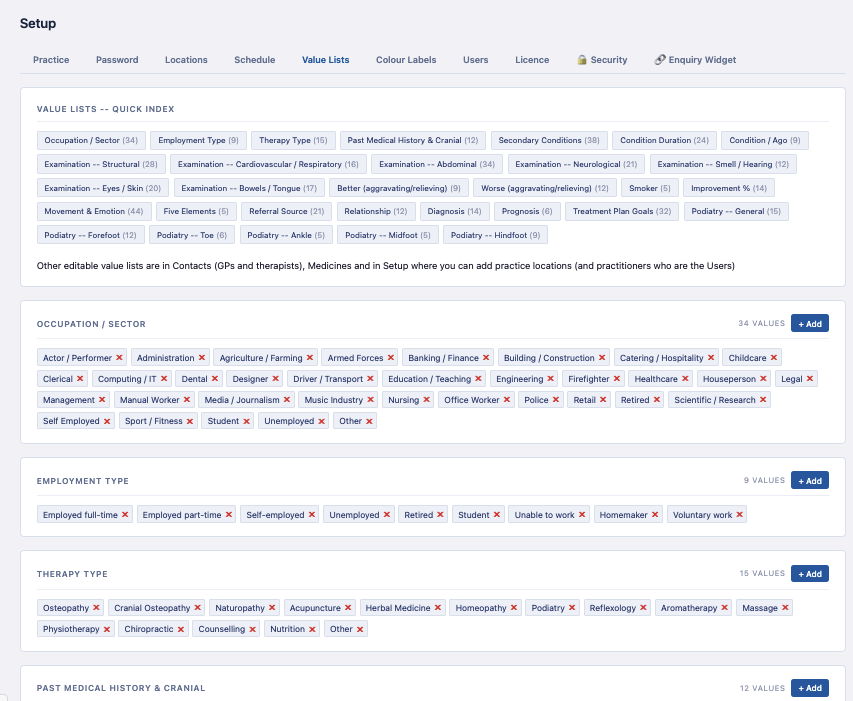
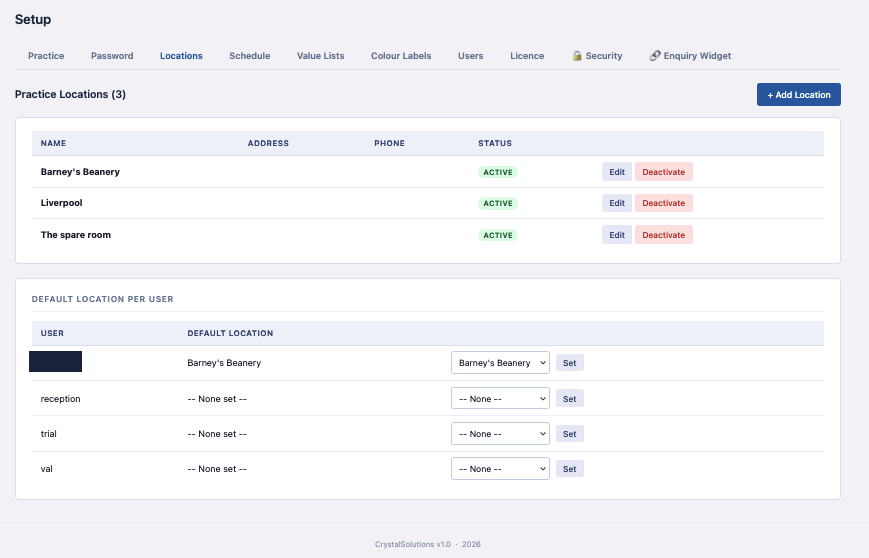
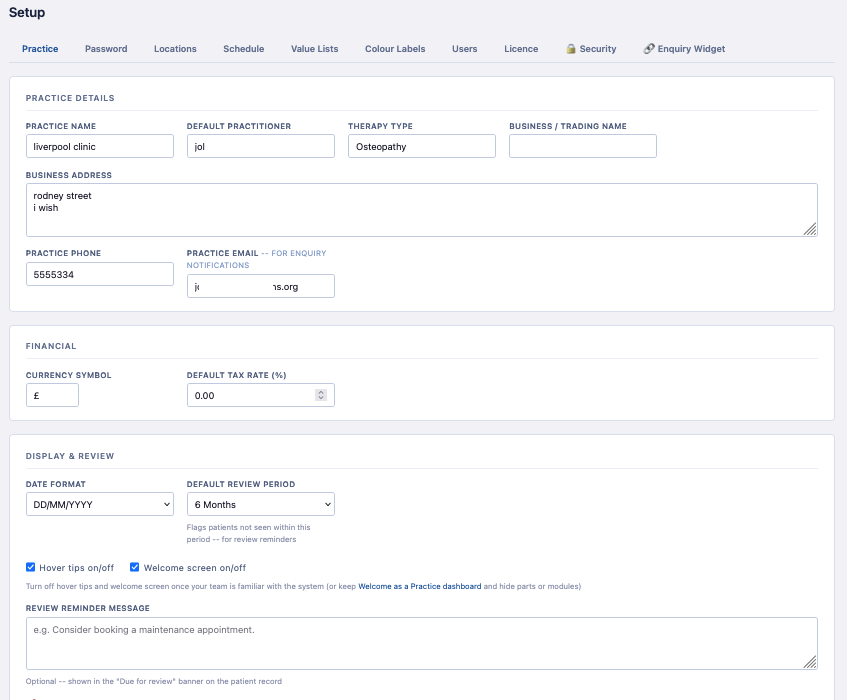
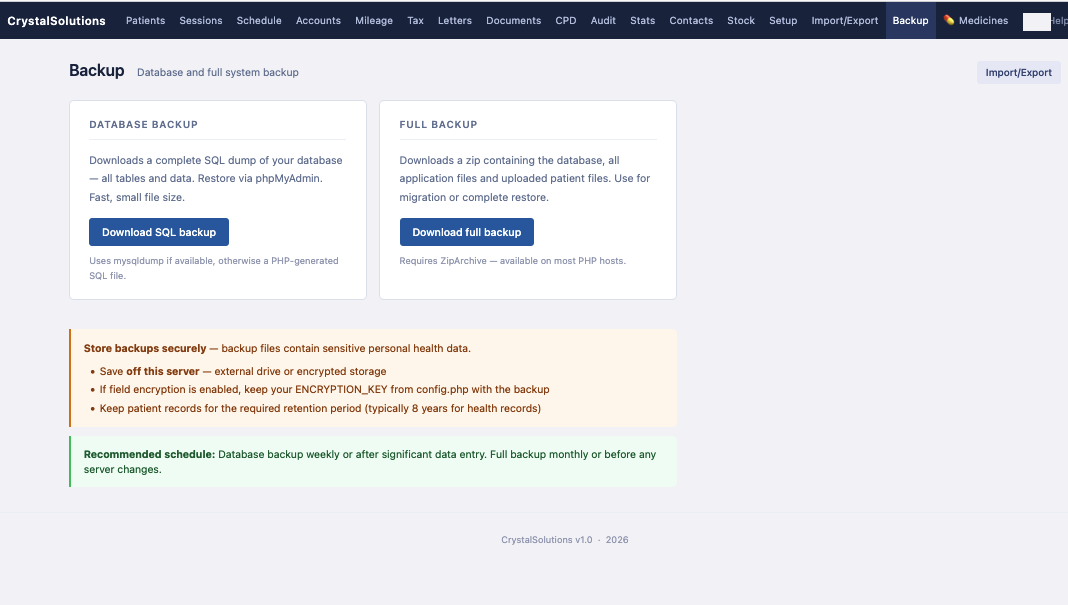
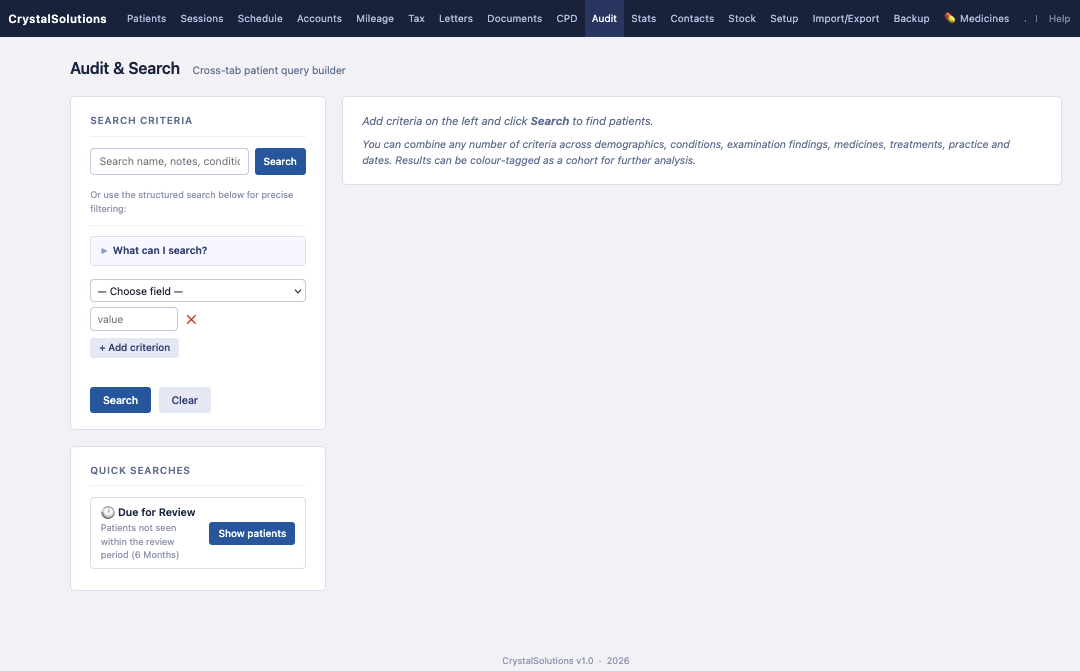
Admin tabs for administrators — full setup, security, backup and audit. Trial accounts see a friendly preview.
📖 Full Setup tour with all 7 admin tabs →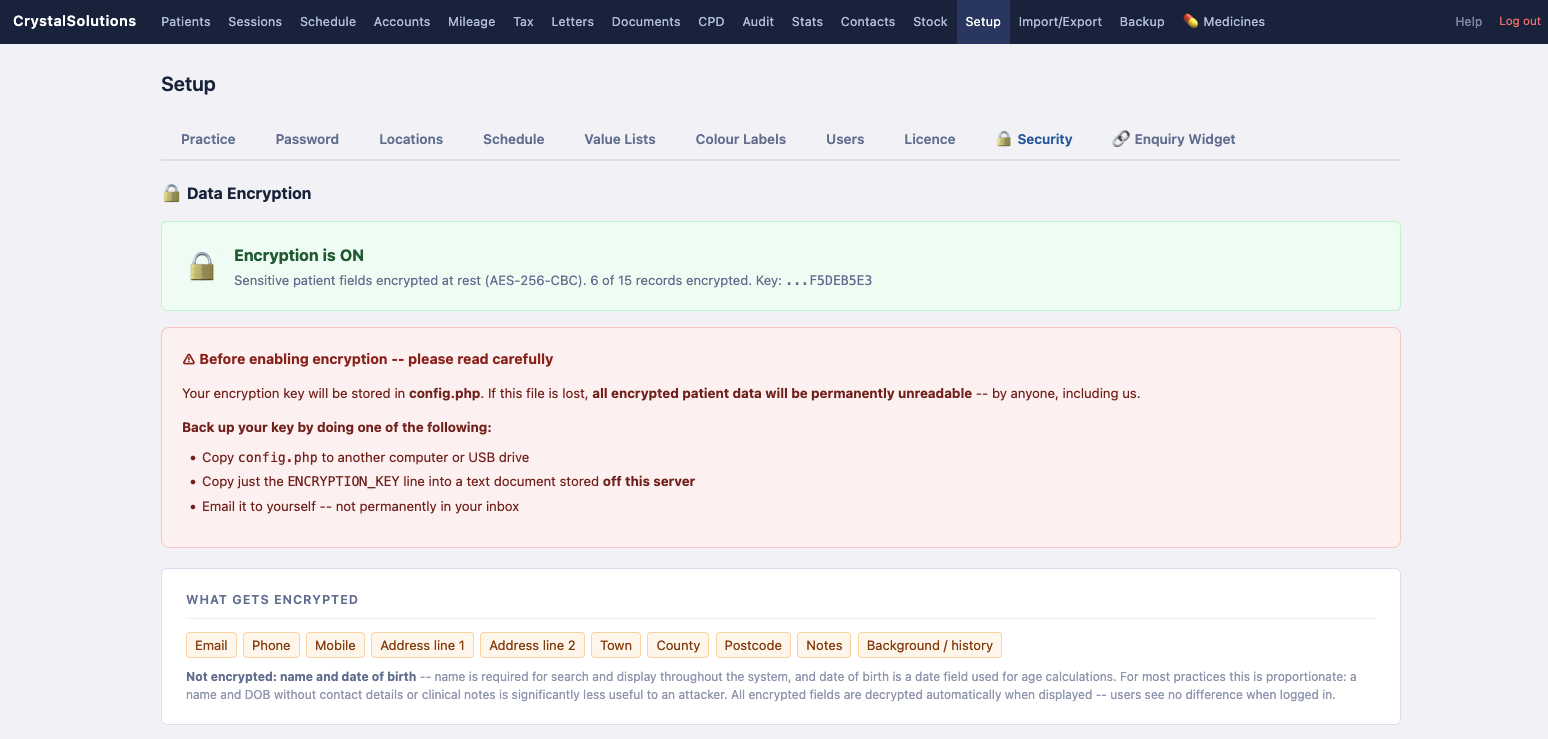
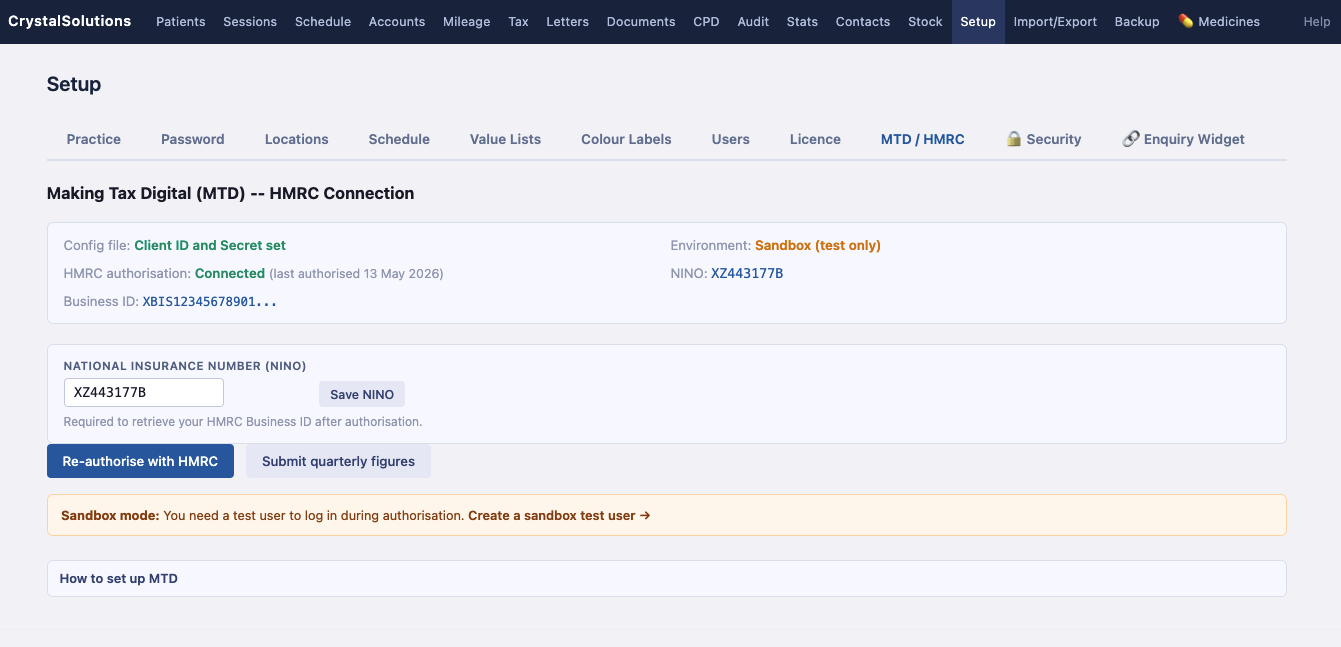
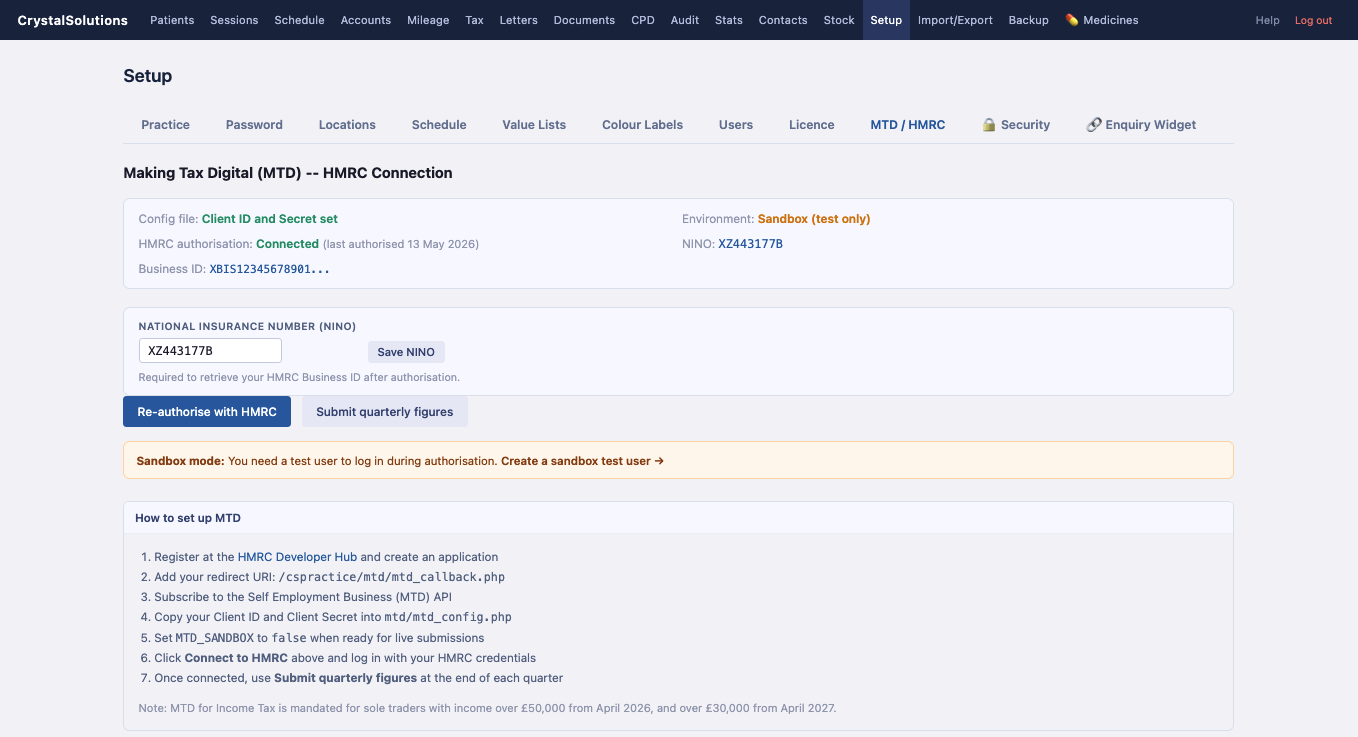
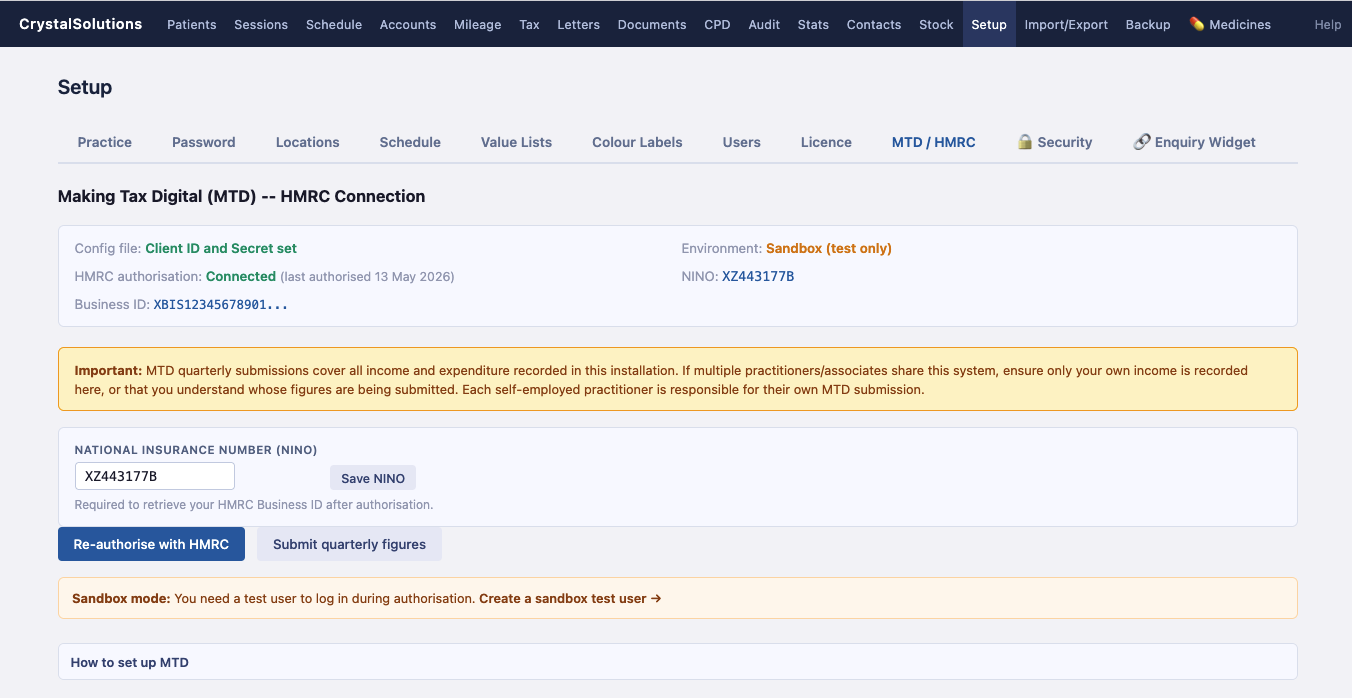
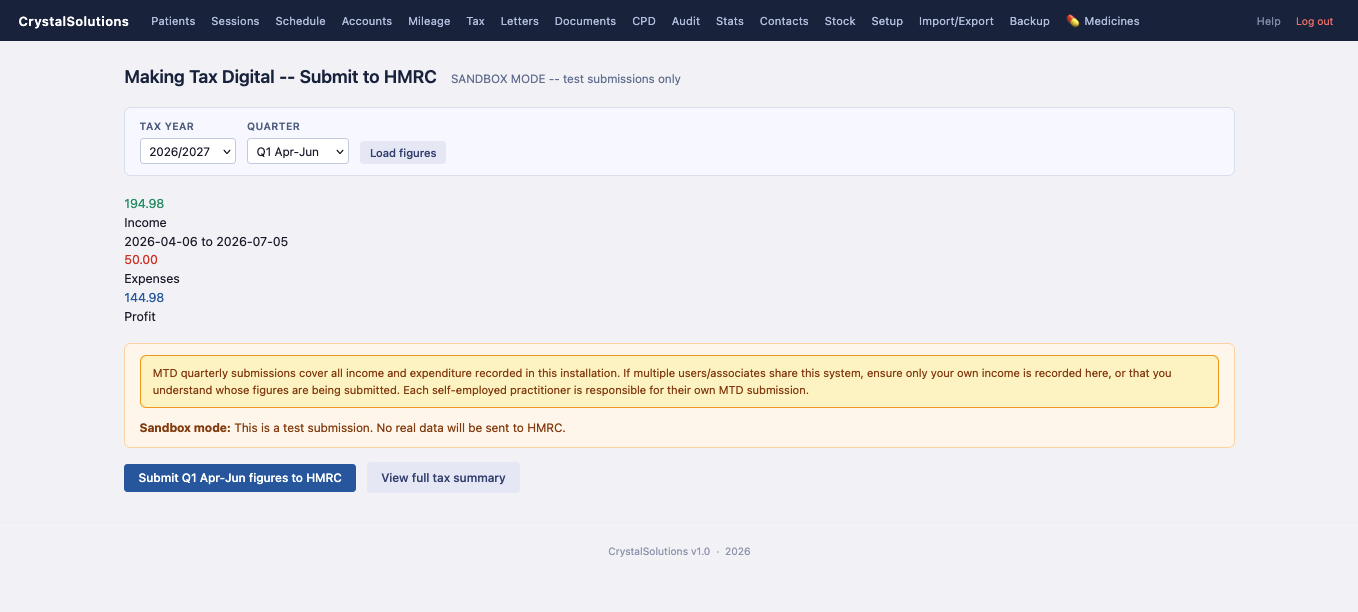
Connect CrystalSolutions or PraxisClinic directly to HMRC for Making Tax Digital quarterly submissions -- your income and expenditure figures pulled automatically from your accounts (optional add-on, pending HMRC approval).