Admin Setup Tour

What admins can configure

A walk through the Setup area — available to Administrator-level users. Trial accounts see the interface with Medium Level access.
🔒 These tabs are visible to Administrator users only
1
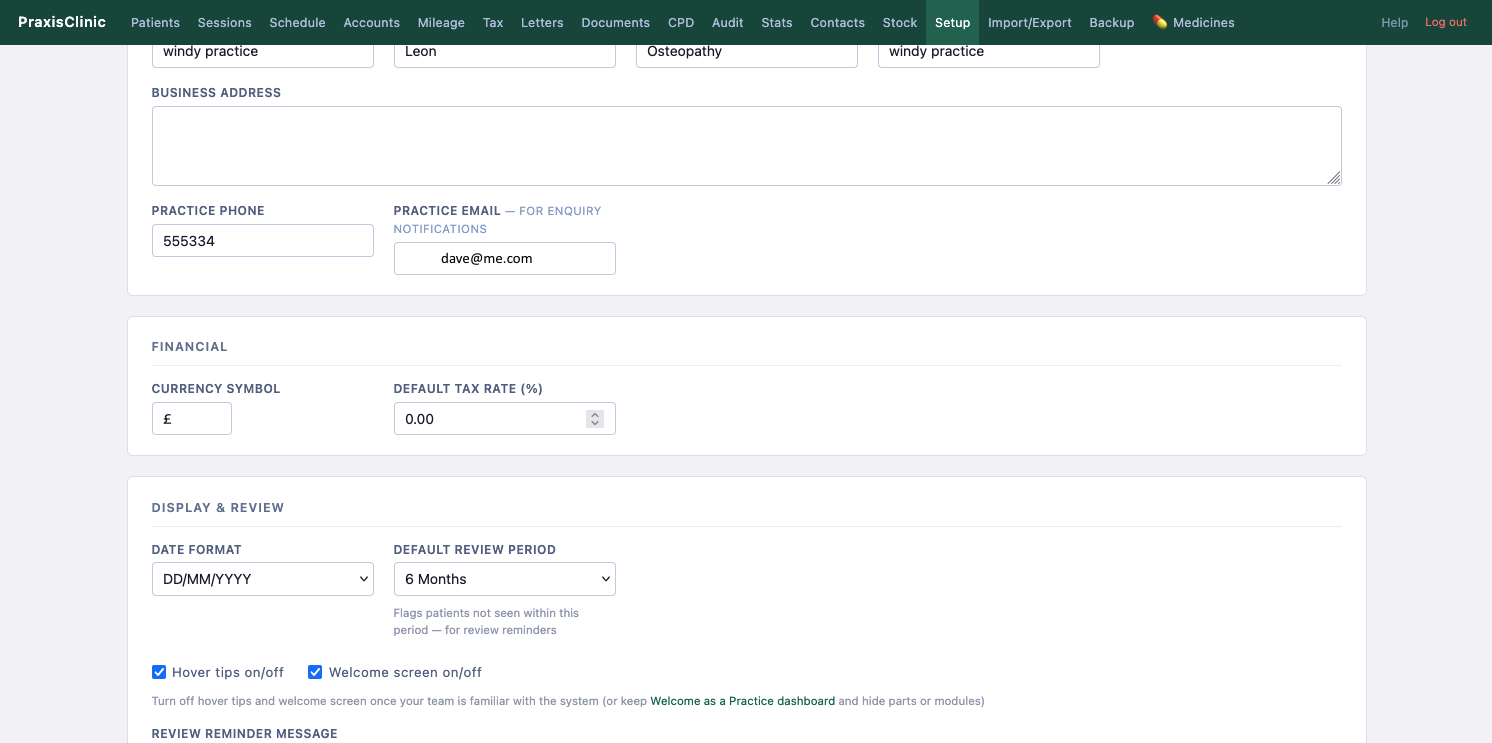
Setup — Practice tab
Practice name and address
Currency symbol and tax rate
Default review period
Date format (DD/MM/YYYY etc.)
Hover tips and welcome screen on/off
2
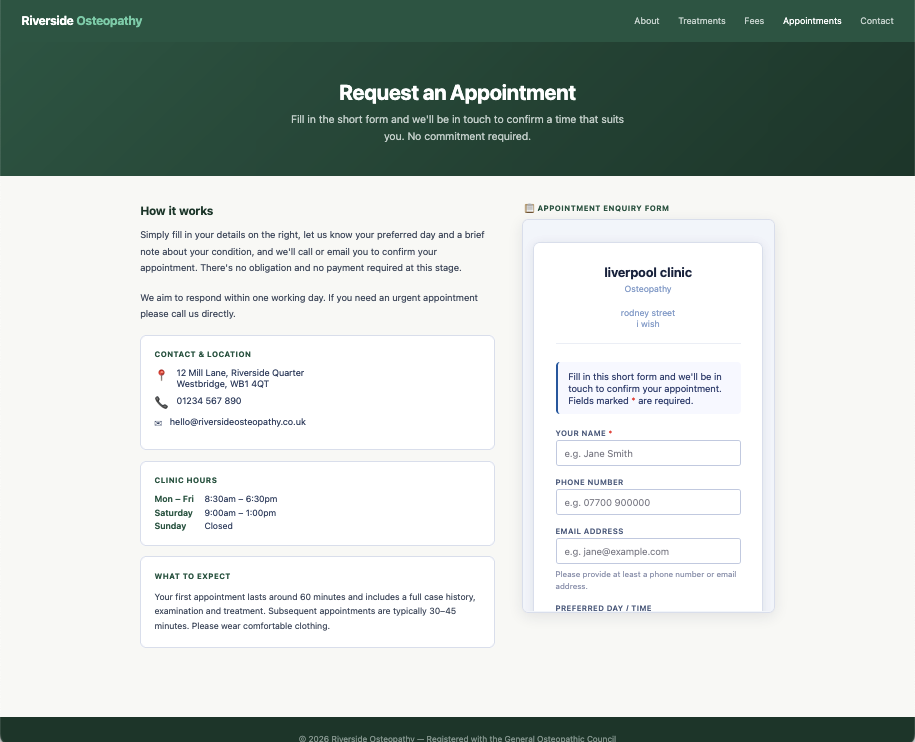
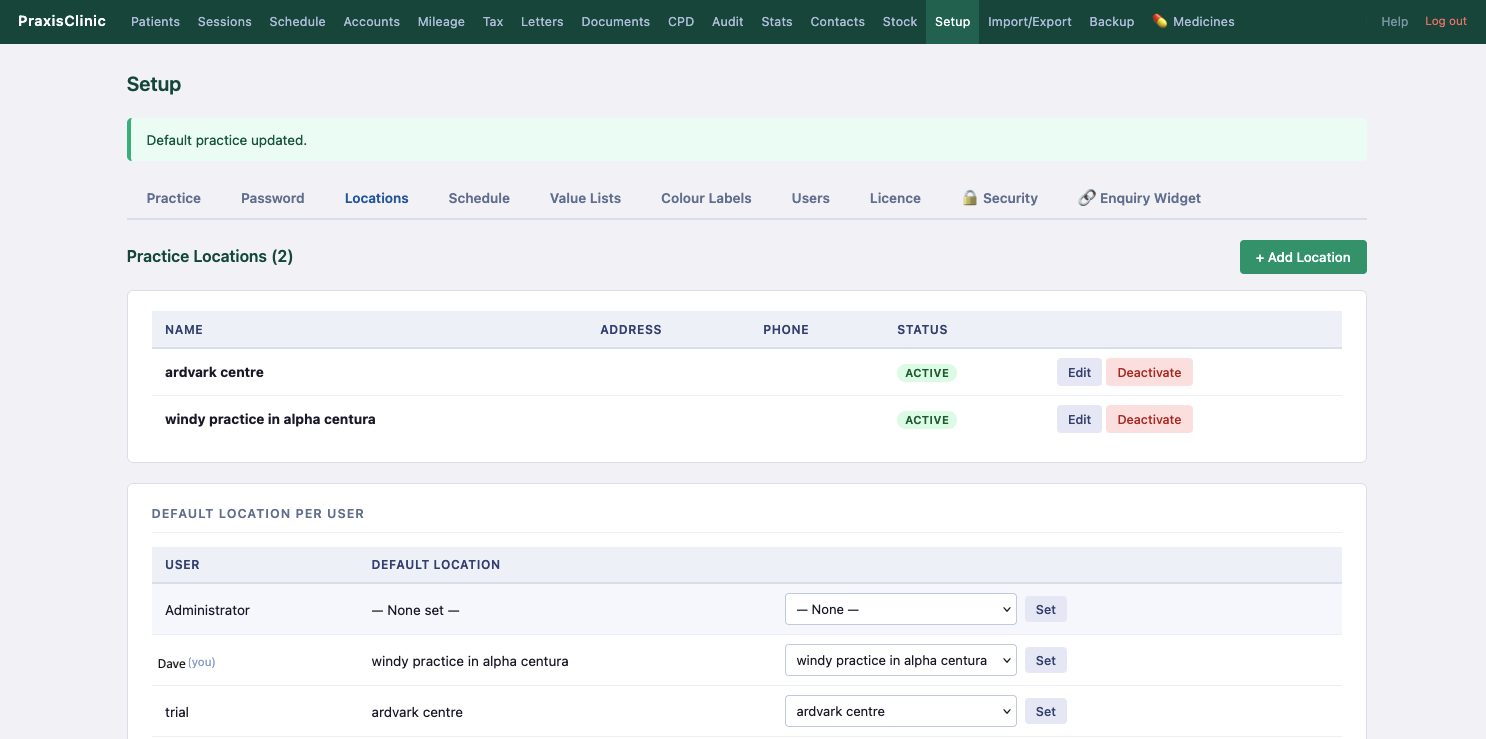
Setup — Locations tab
Multiple practice locations
Default location per user
Activate / deactivate locations
3
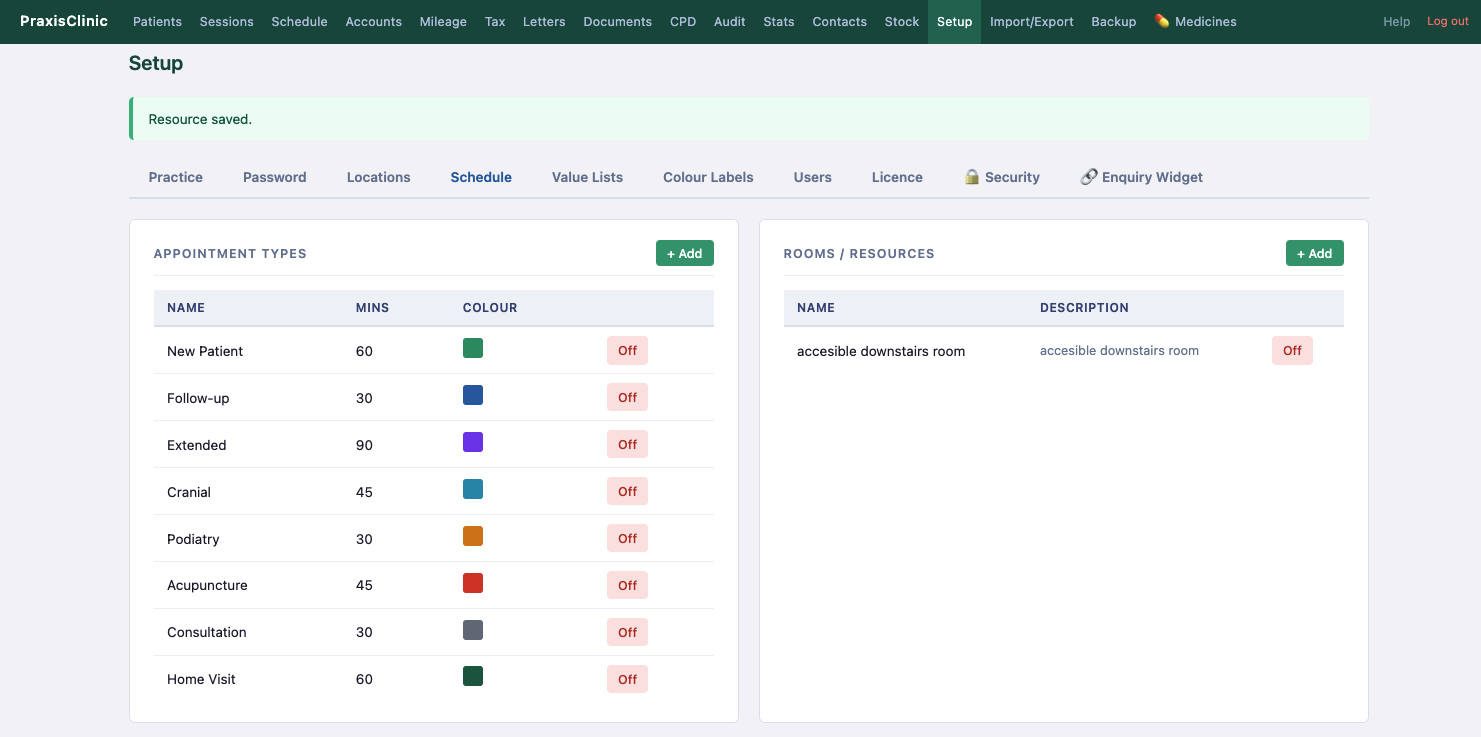
Setup — Schedule tab
New Patient, Follow-up, Extended…
Colour-coded appointment types
Rooms and resources management
Duration in minutes per type
4
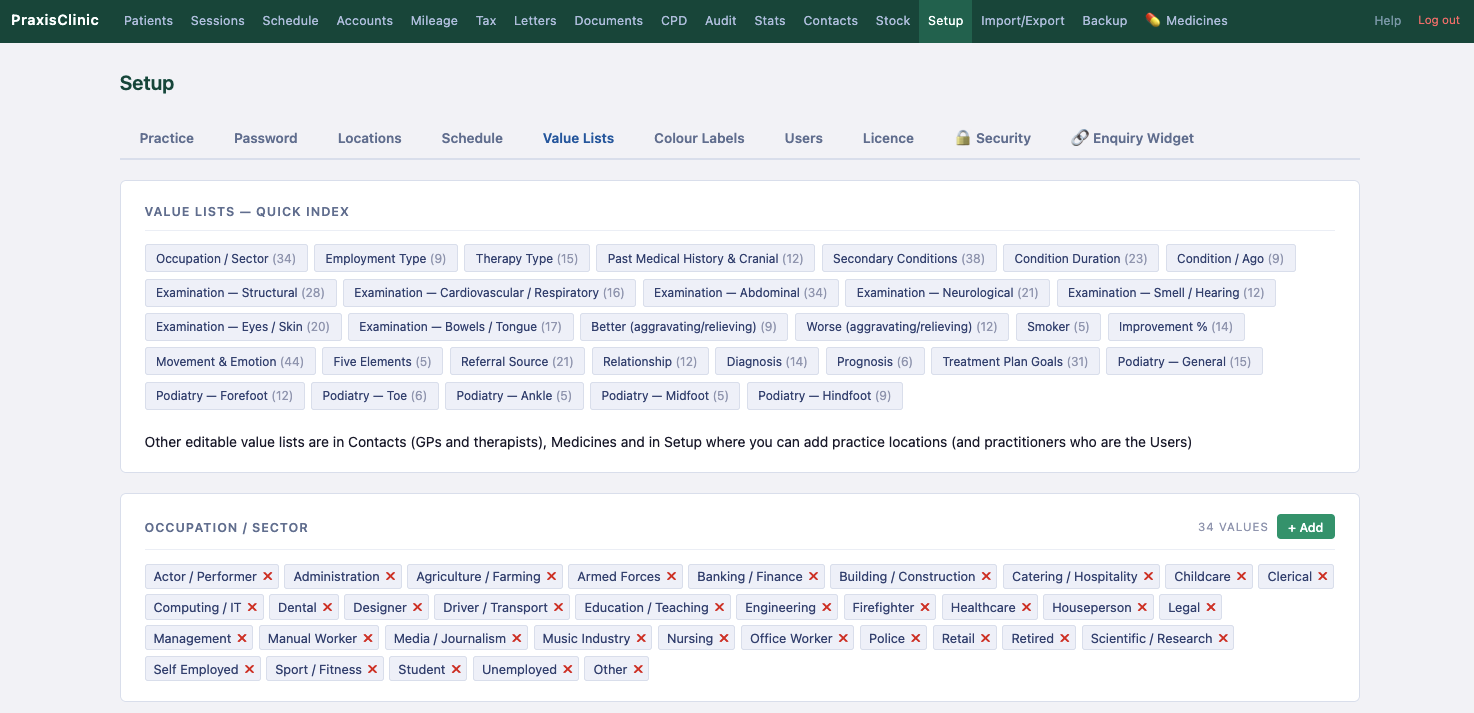
Setup — Value Lists tab
Occupation / Sector (34 values)
Five Elements, Movement & Emotion
Examination findings (structural, cardiovascular…)
Treatment plan goals, diagnosis, prognosis
Podiatry-specific lists
Add your own values to any list
5
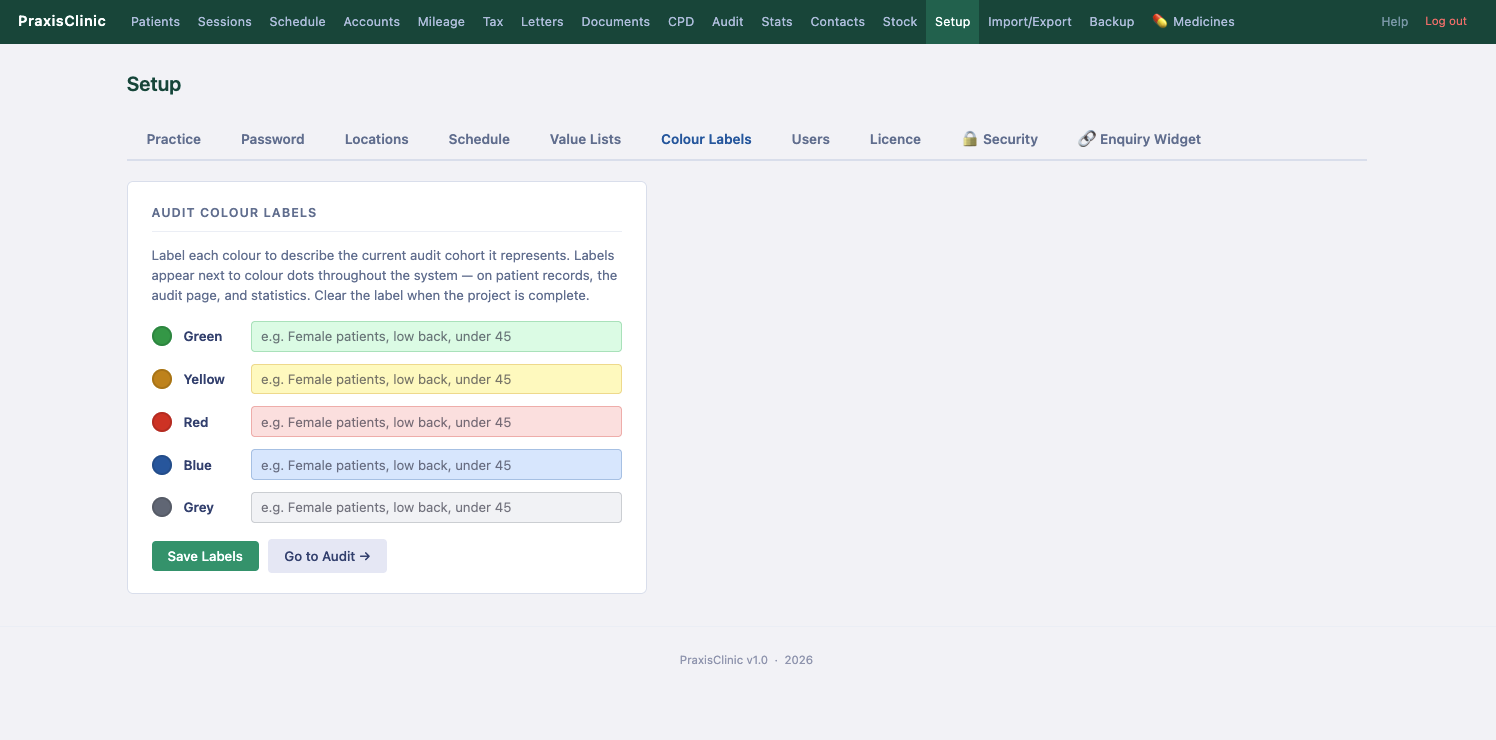
Setup — Colour Labels tab
5 colour cohort labels
Tag patients via Audit search
Colour dots on all patient lists
Filter by colour on patient list
6
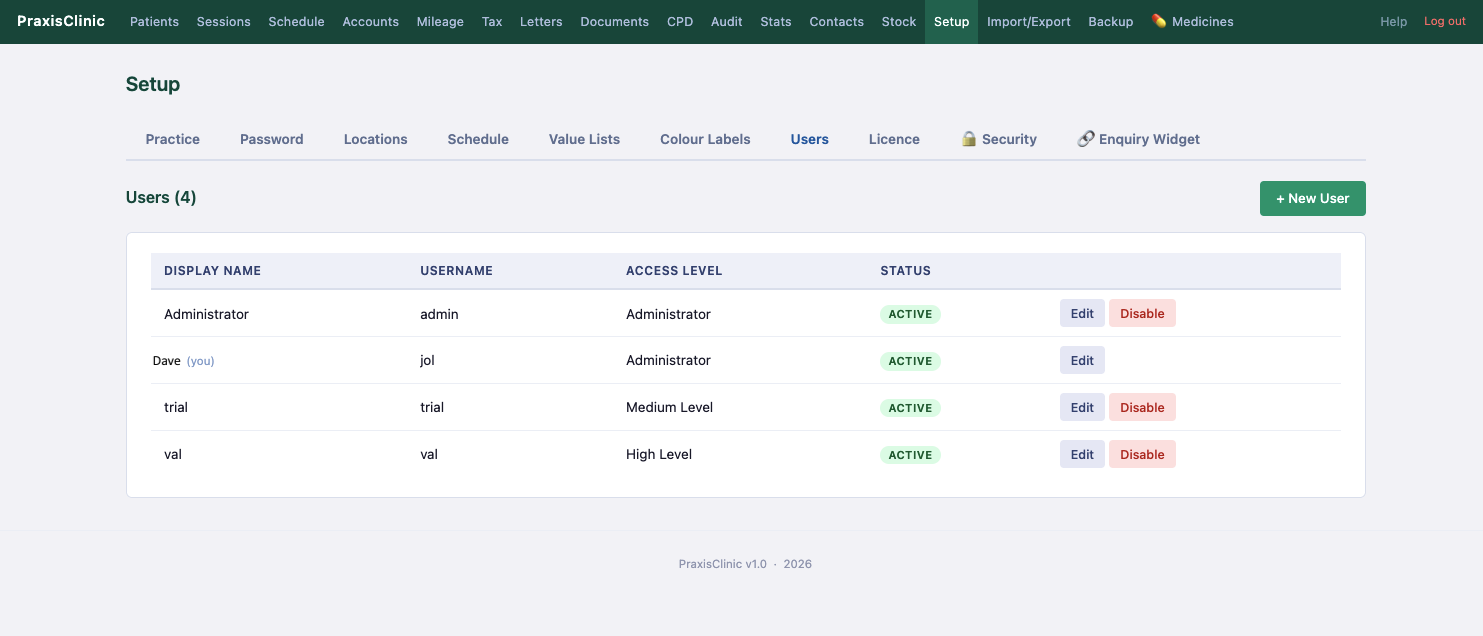
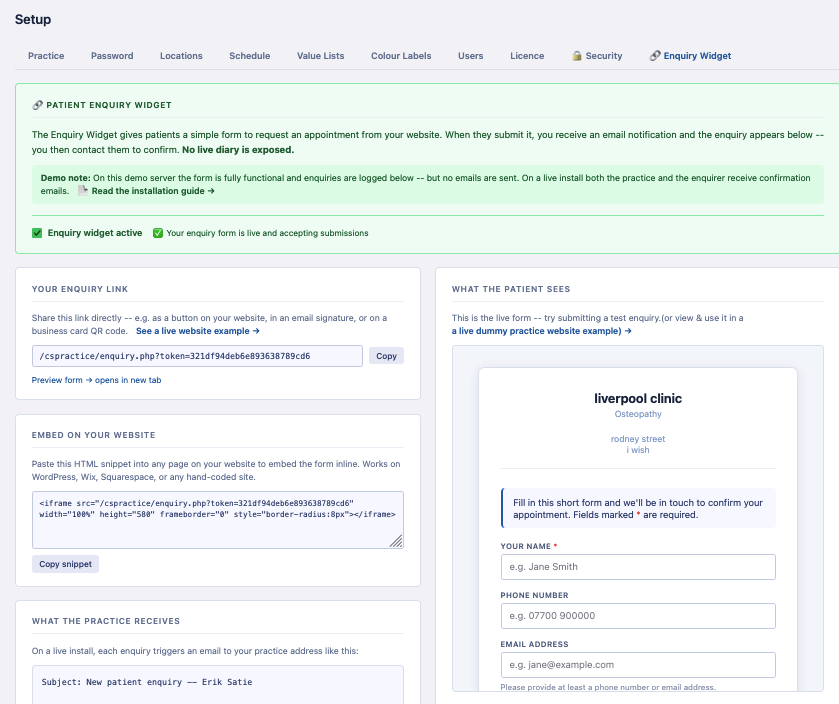
Setup — Users tab
Unlimited users
Administrator, High, Medium, Low levels
Enable / disable accounts
Trial account pre-created (Medium Level)
7
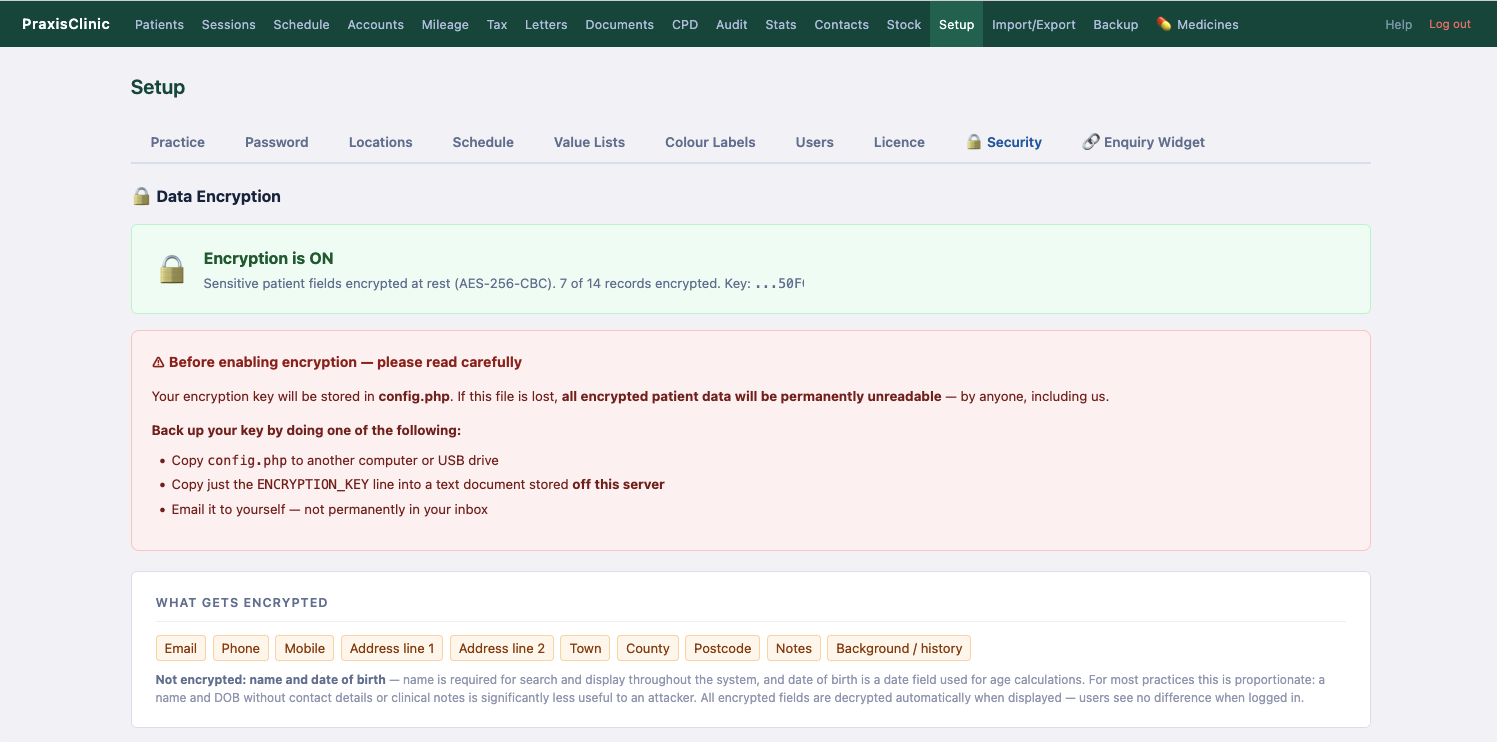
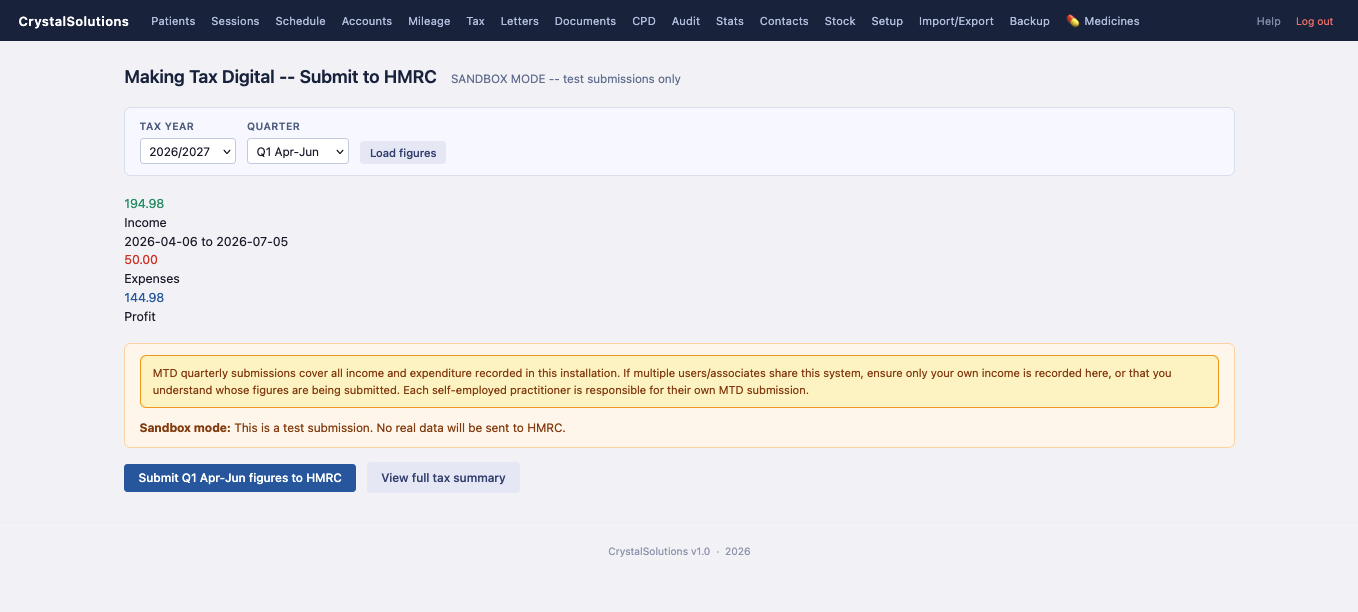
Setup — Security tab
AES-256-CBC encryption at rest
Switchable on/off in Setup
One-click encrypt / decrypt all records
Key stored in config.php — never in DB
GDPR Article 32 compliant
Shared hosting checklist included

Ready to try it?

Log in to the demo with the trial account — or purchase a licence to unlock unlimited patients.

Crystalsolutions & PraxisClinic Full Feature List ← Back to demo Purchase licence or try the Demo →