SoleTrader · Screenshot gallery

A look inside

No install needed — just browse. Click any screenshot to zoom.

Welcome & Dashboard
Clients & Jobs
Finance
Holistic Impact
Admin & Setup
MTD / HMRC
Help

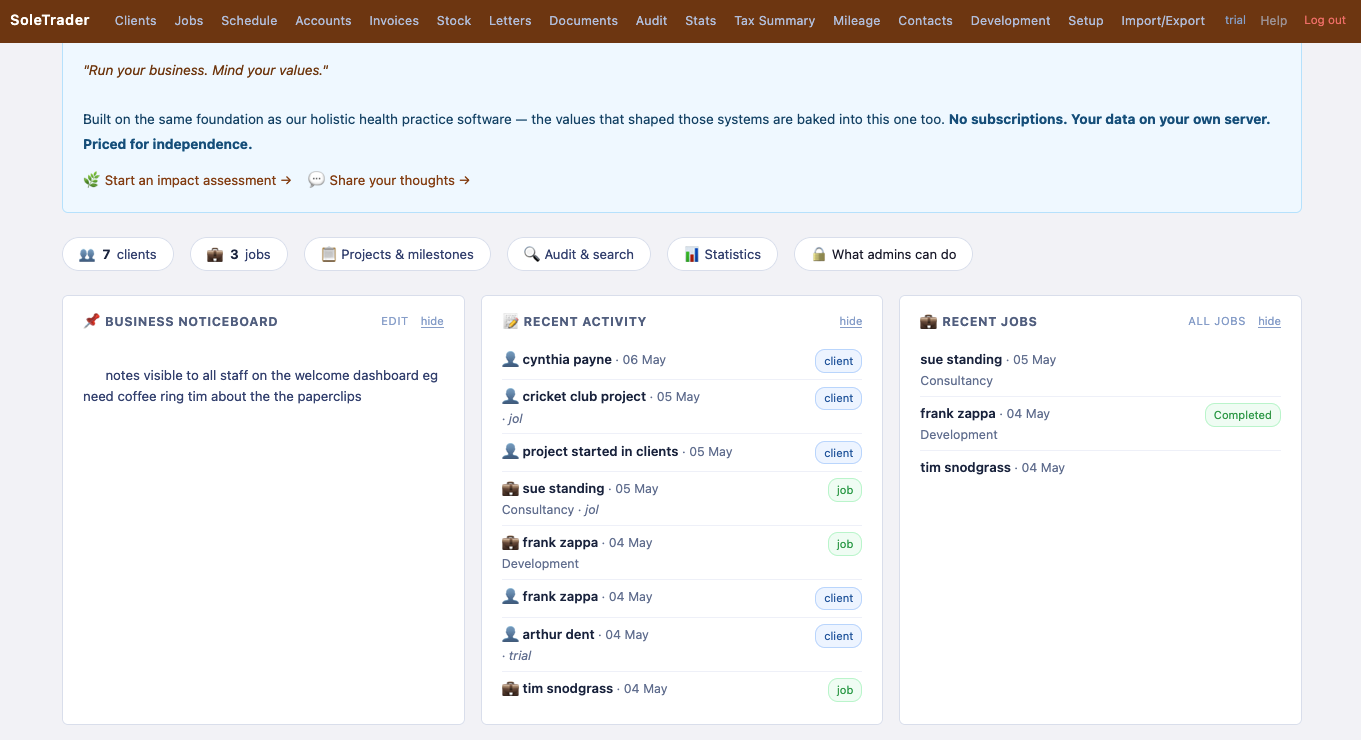
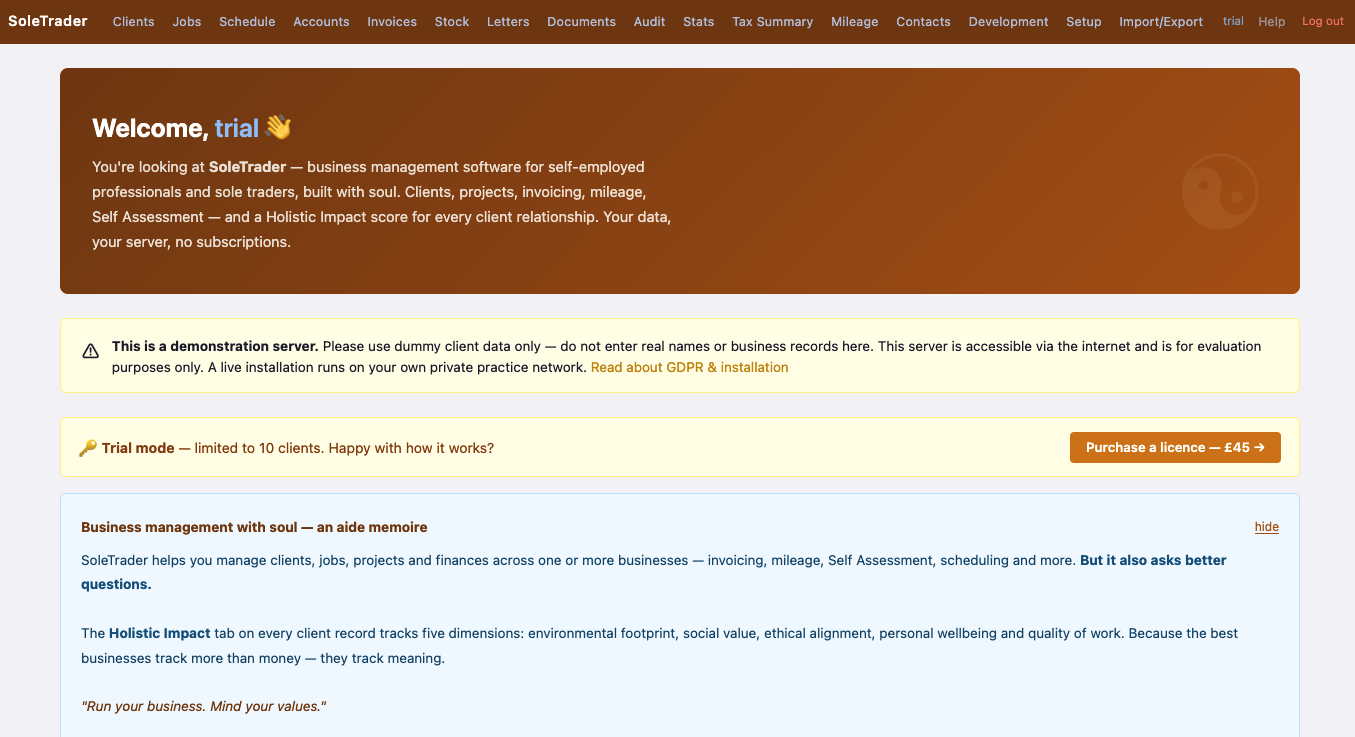
First thing you see when you log in — a dashboard that shows what matters right now.
Welcome hero
Welcome screen
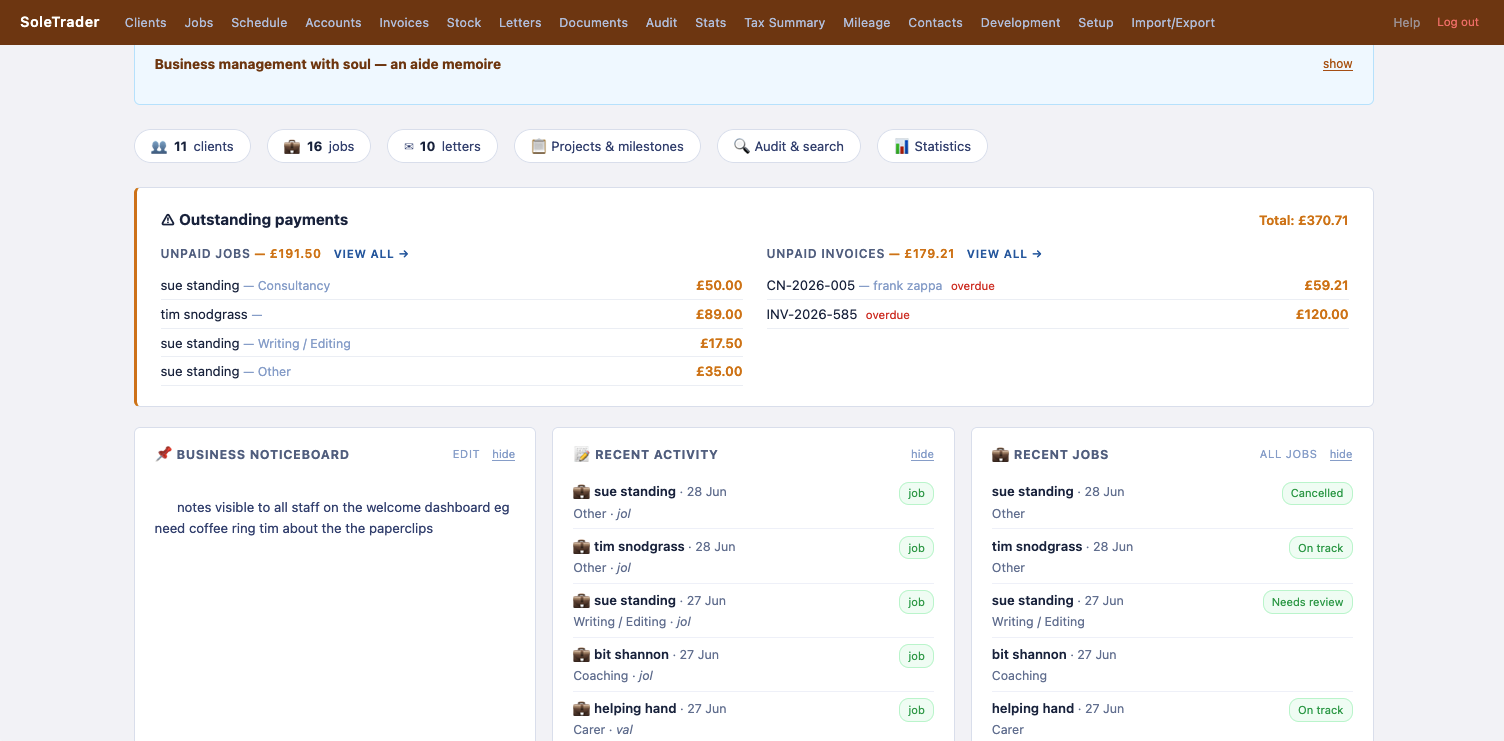
Dashboard panels
Dashboard — activity & jobs
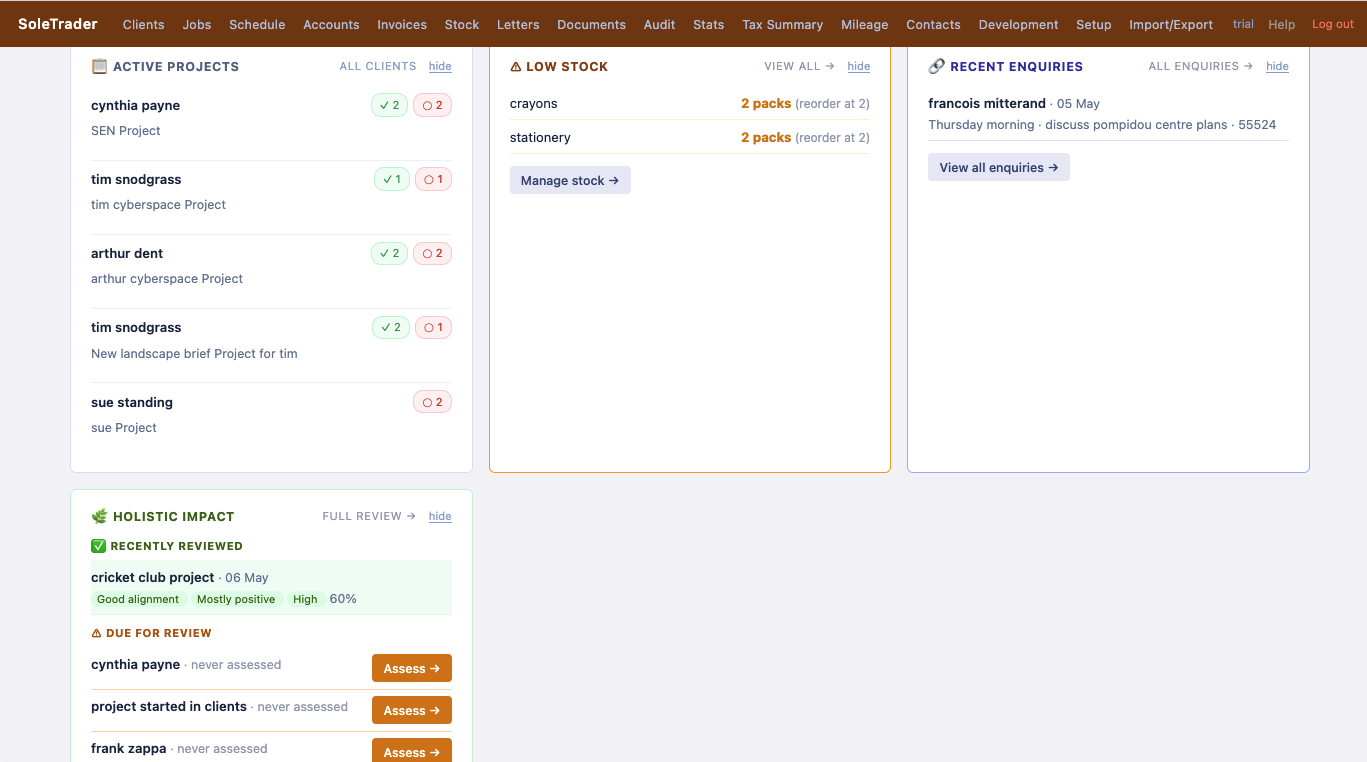
Dashboard projects
Dashboard — projects, stock & impact
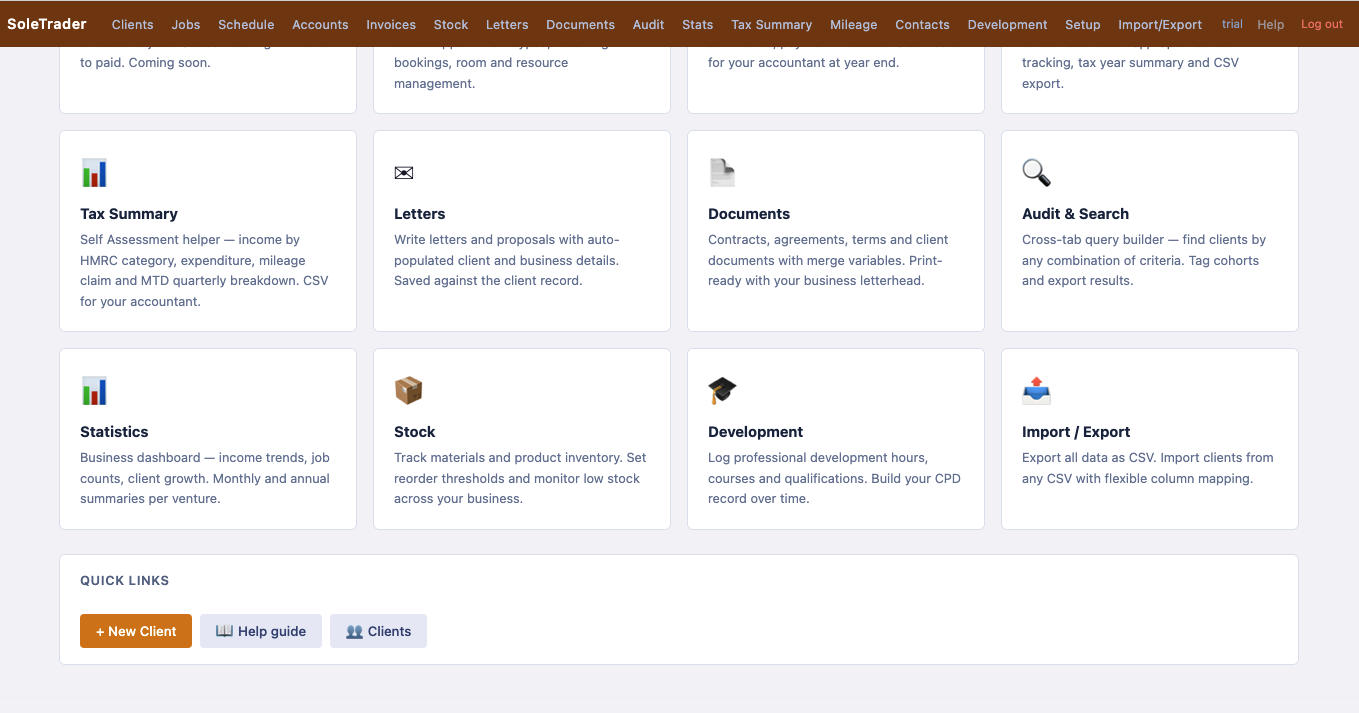
Feature cards
Feature overview (1)
Feature cards 2
Feature overview (2)

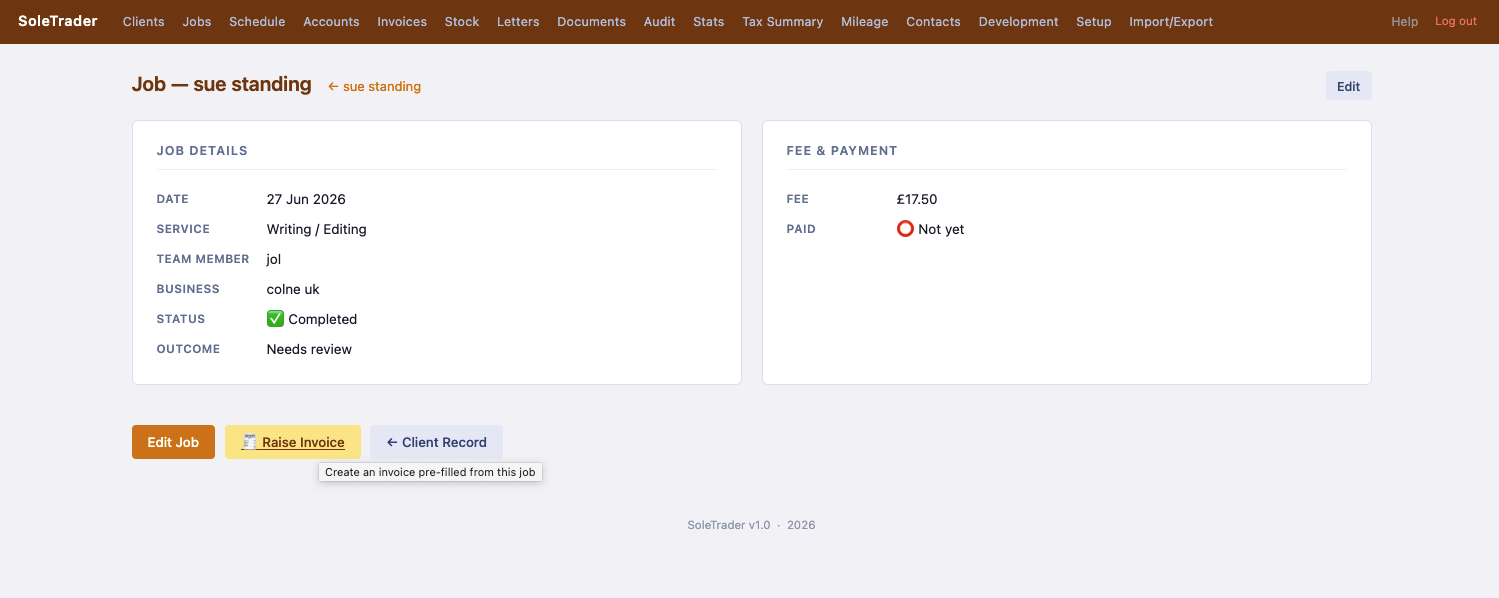
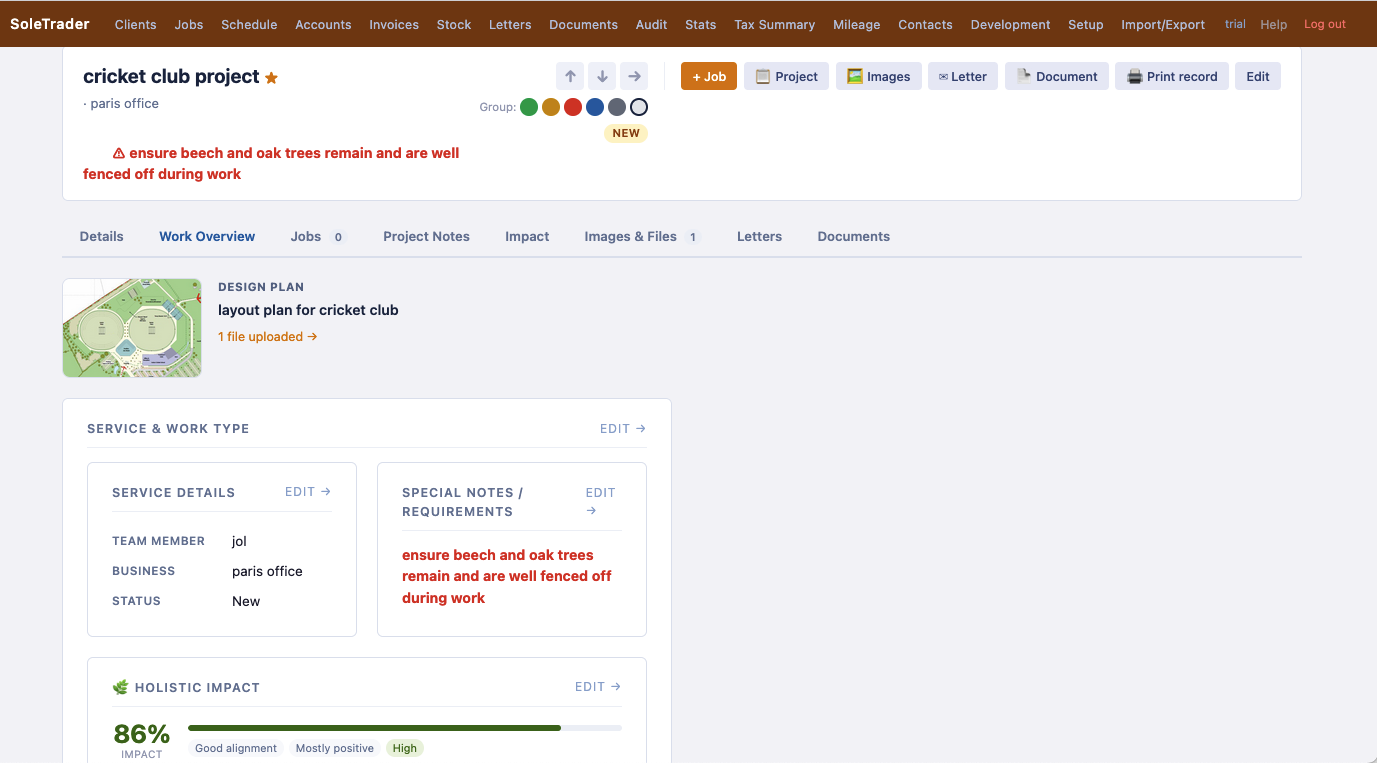
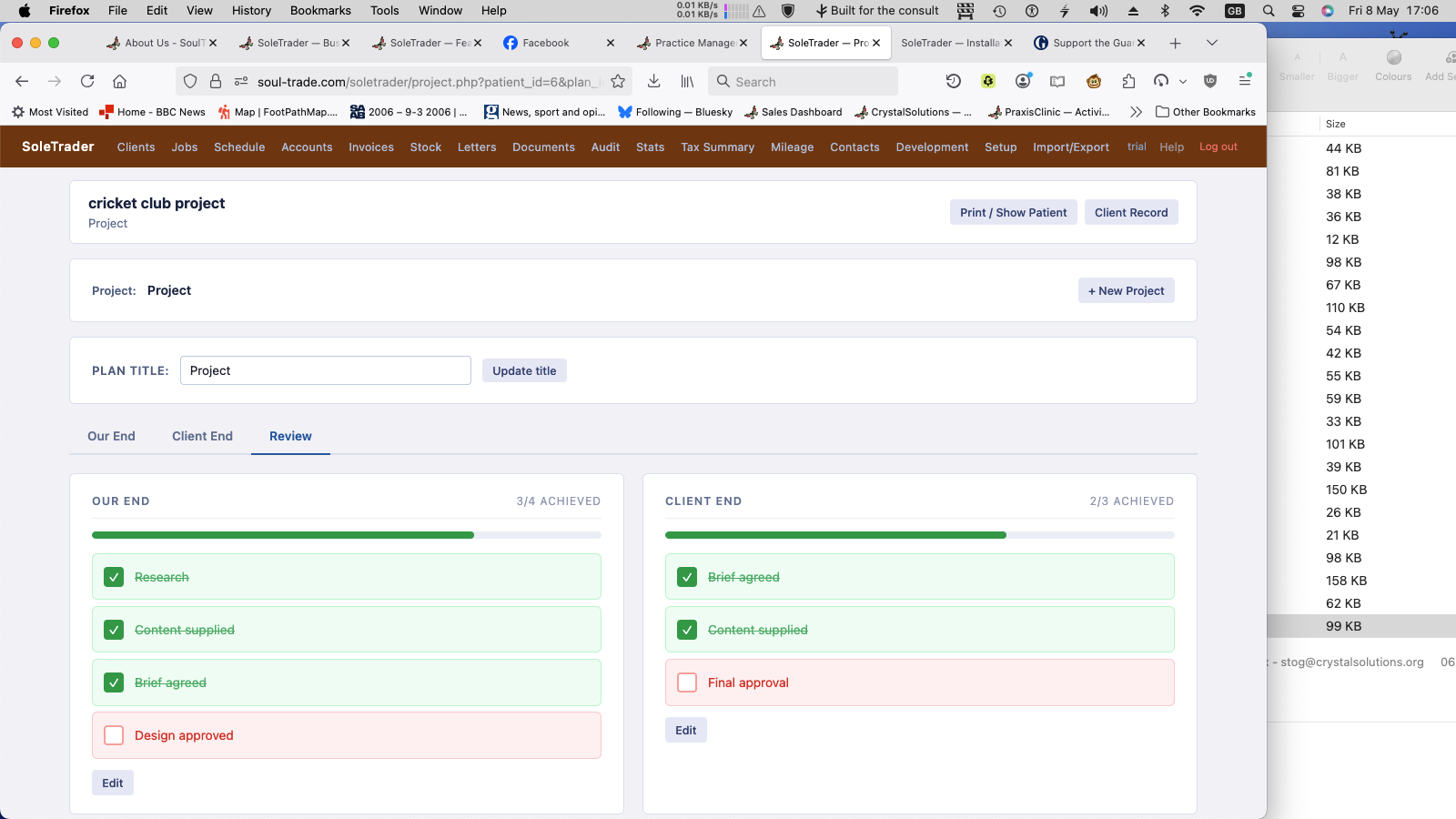
Client records with full work history, project milestones and image uploads. Jobs tracked with fees, outcomes and service type.
Client work overview
Client — work overview & impact score
Project milestones
Project milestones — Our End / Client End
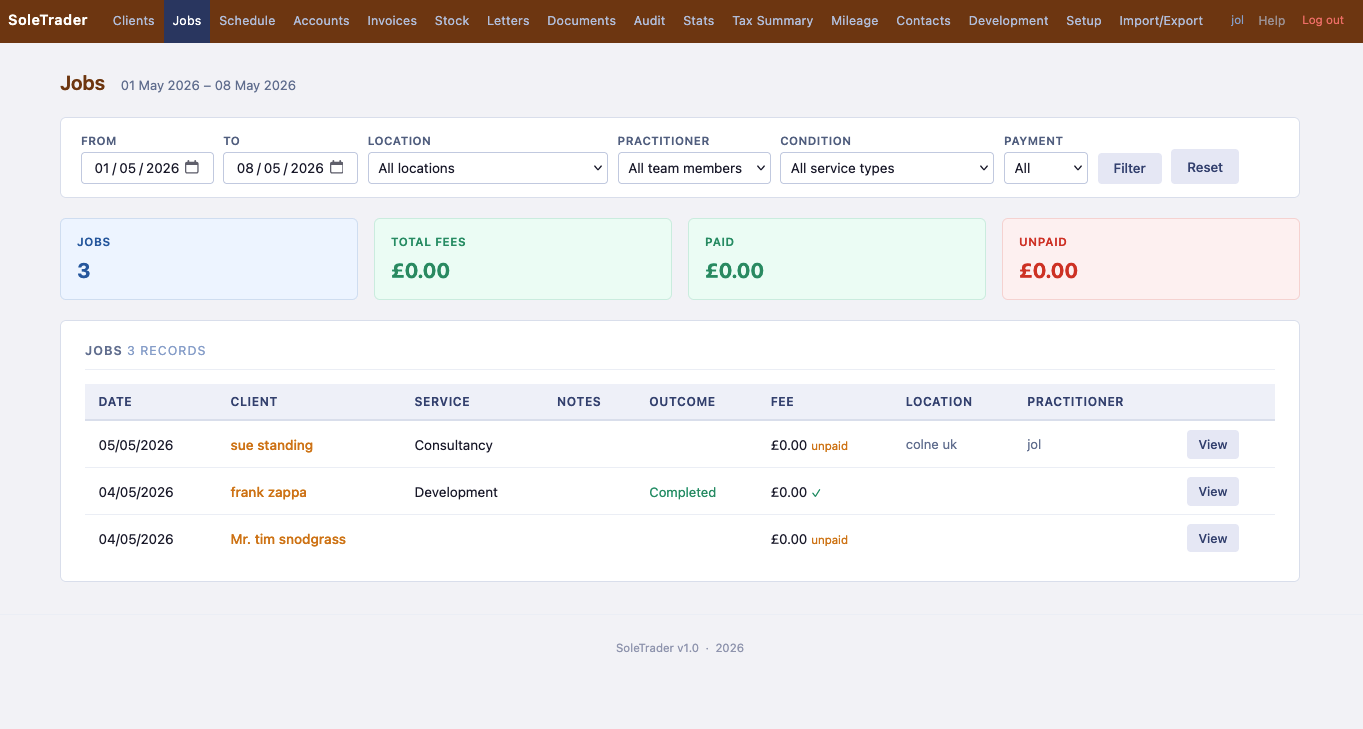
Jobs list
Jobs list with fee summary

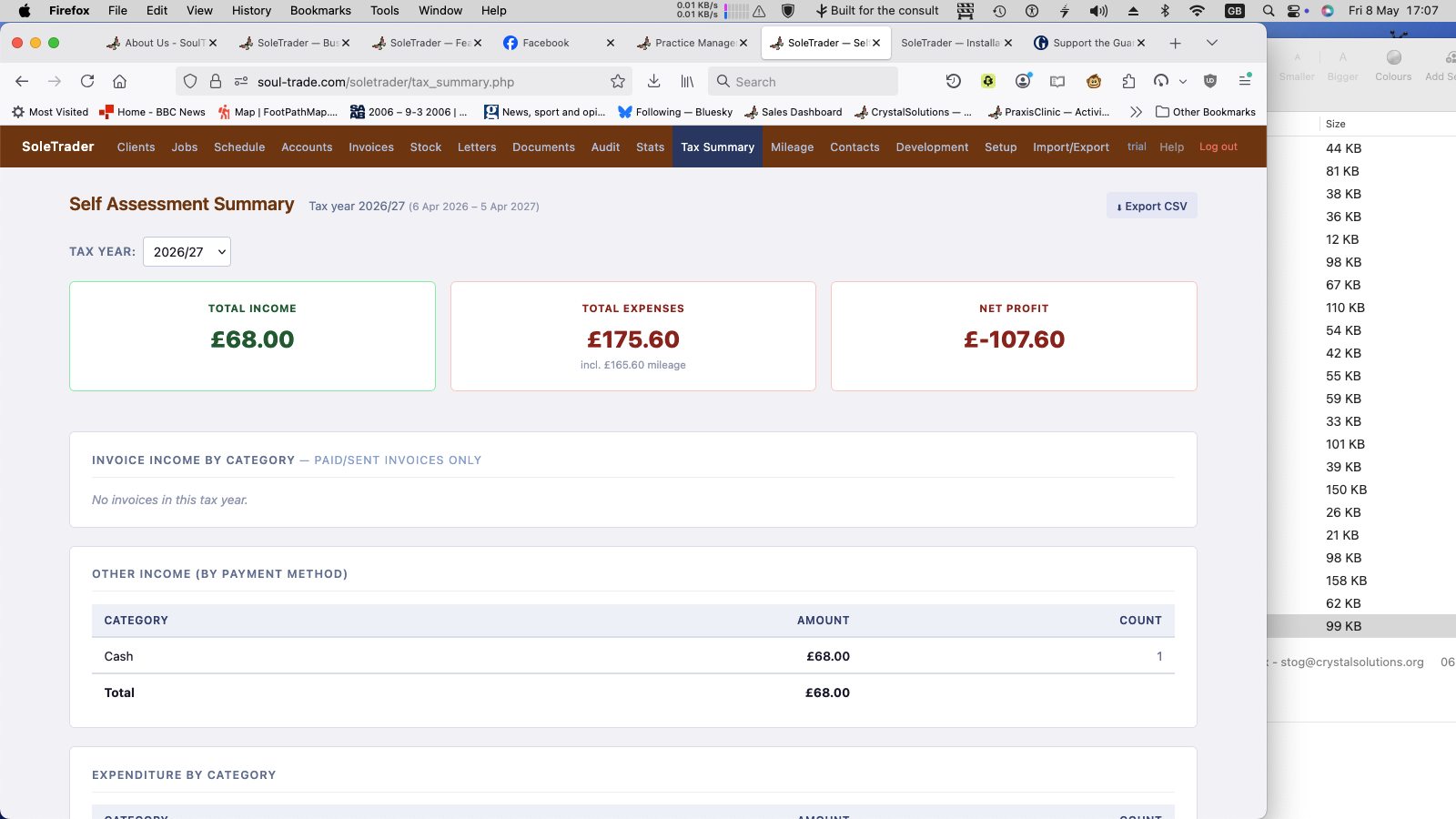
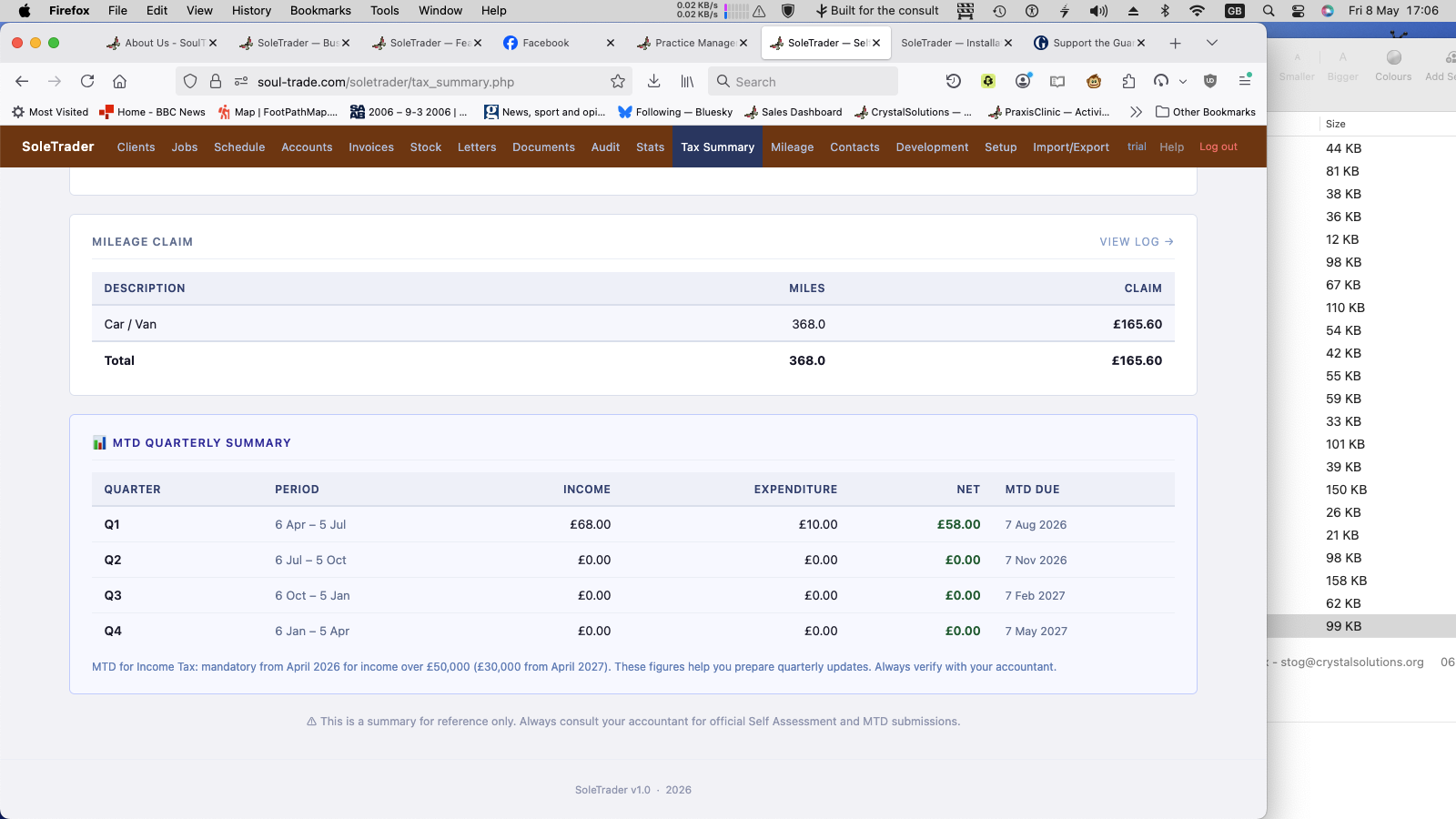
Self Assessment summary, MTD quarterly breakdown and mileage log — all the numbers your accountant needs, in one place.
Tax summary top
Self Assessment — income & expenses
Tax summary MTD
MTD quarterly summary with due dates
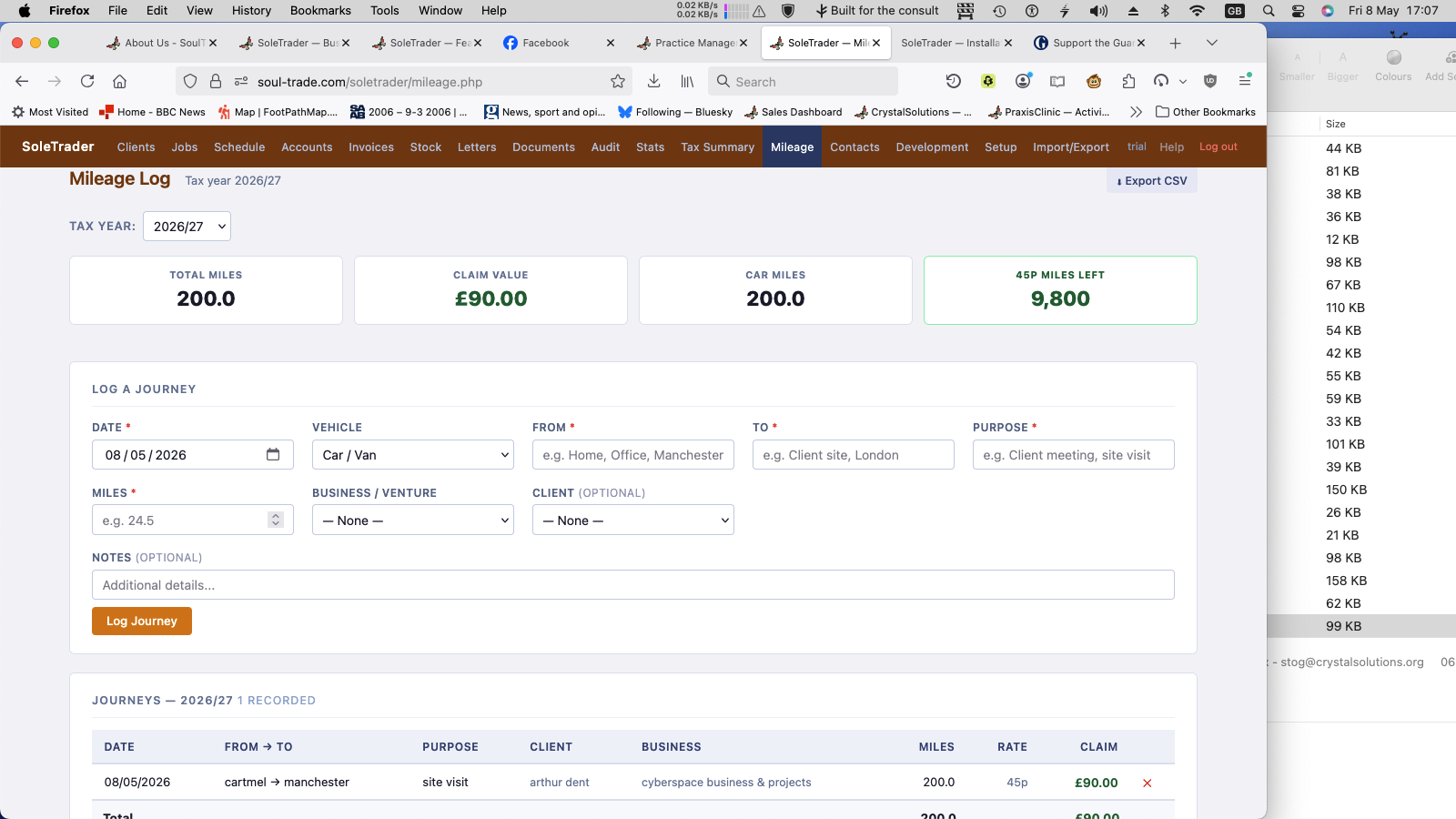
Mileage log
Mileage log — HMRC rates, CSV export

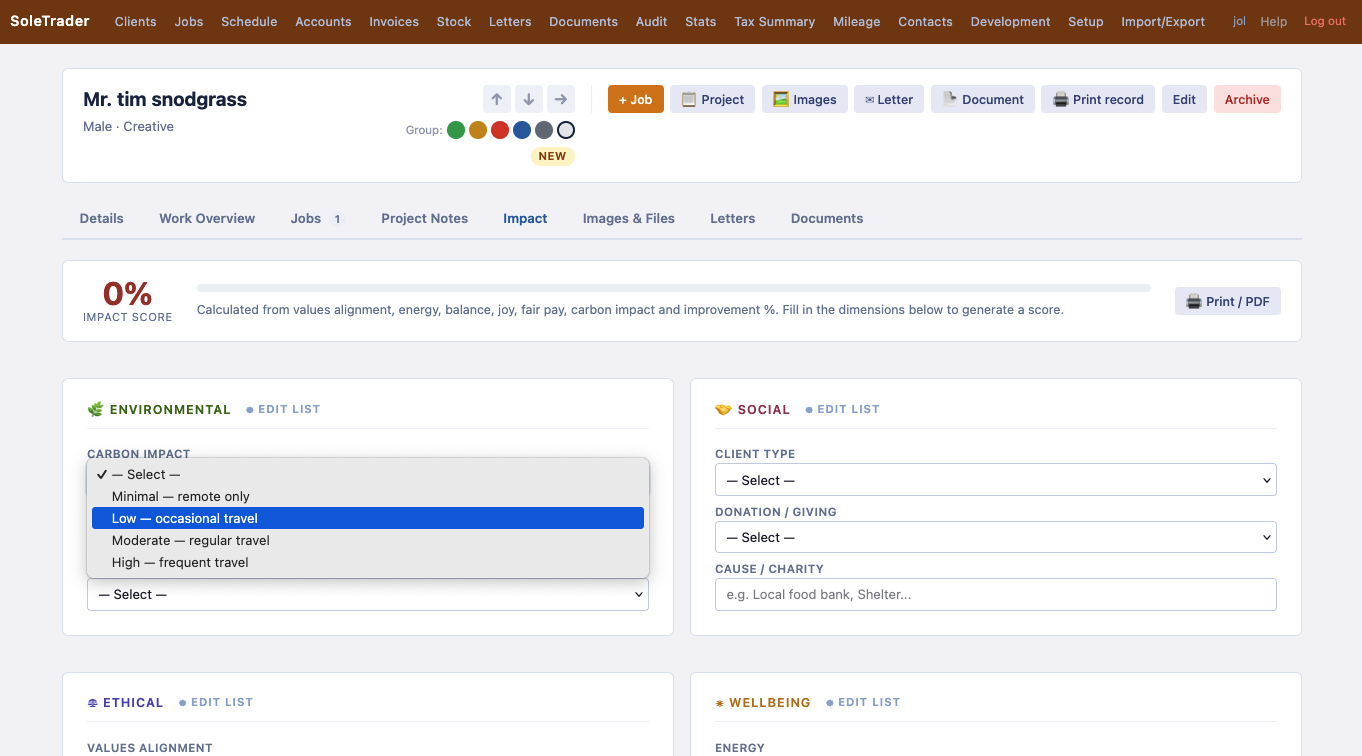
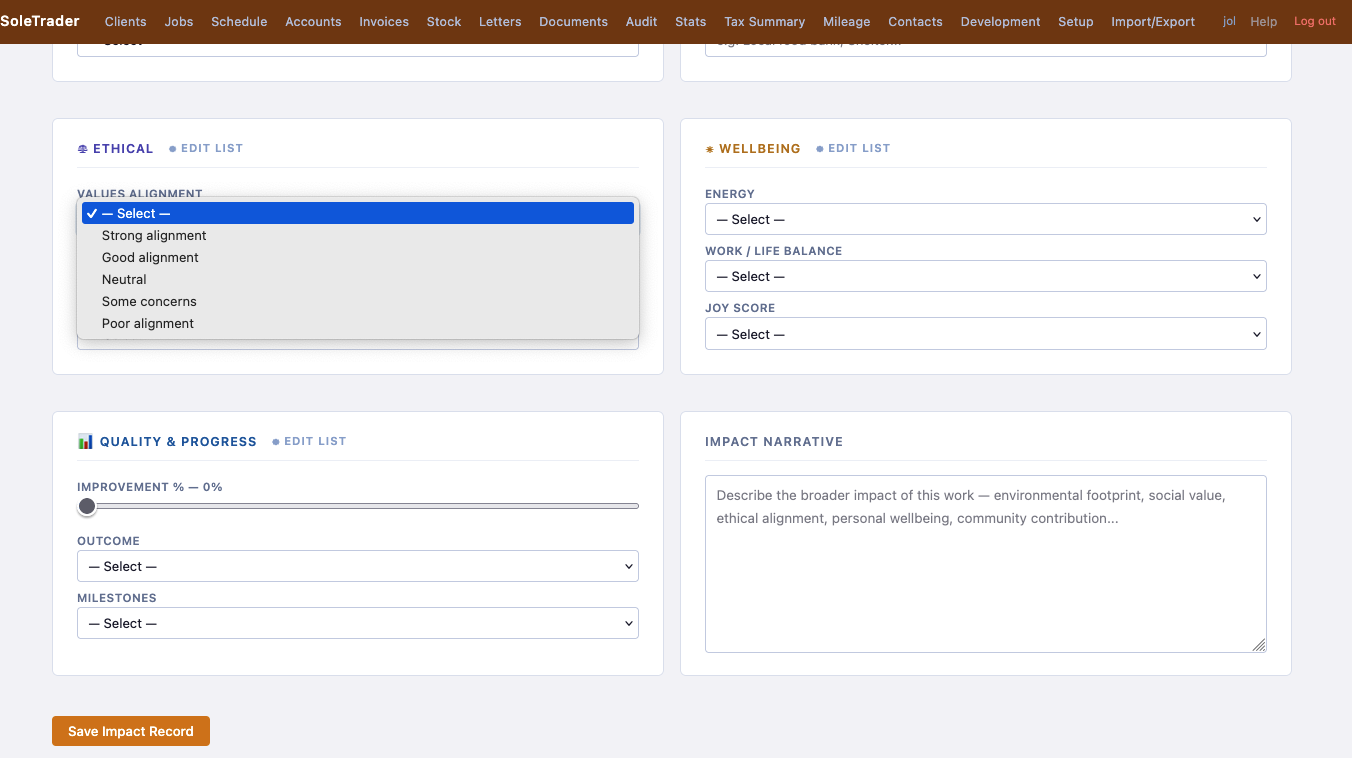
The thing that makes SoleTrader different. A structured assessment of what your work means — beyond the money.
Impact environmental
Environmental & Social
Impact ethical
Ethical & Wellbeing
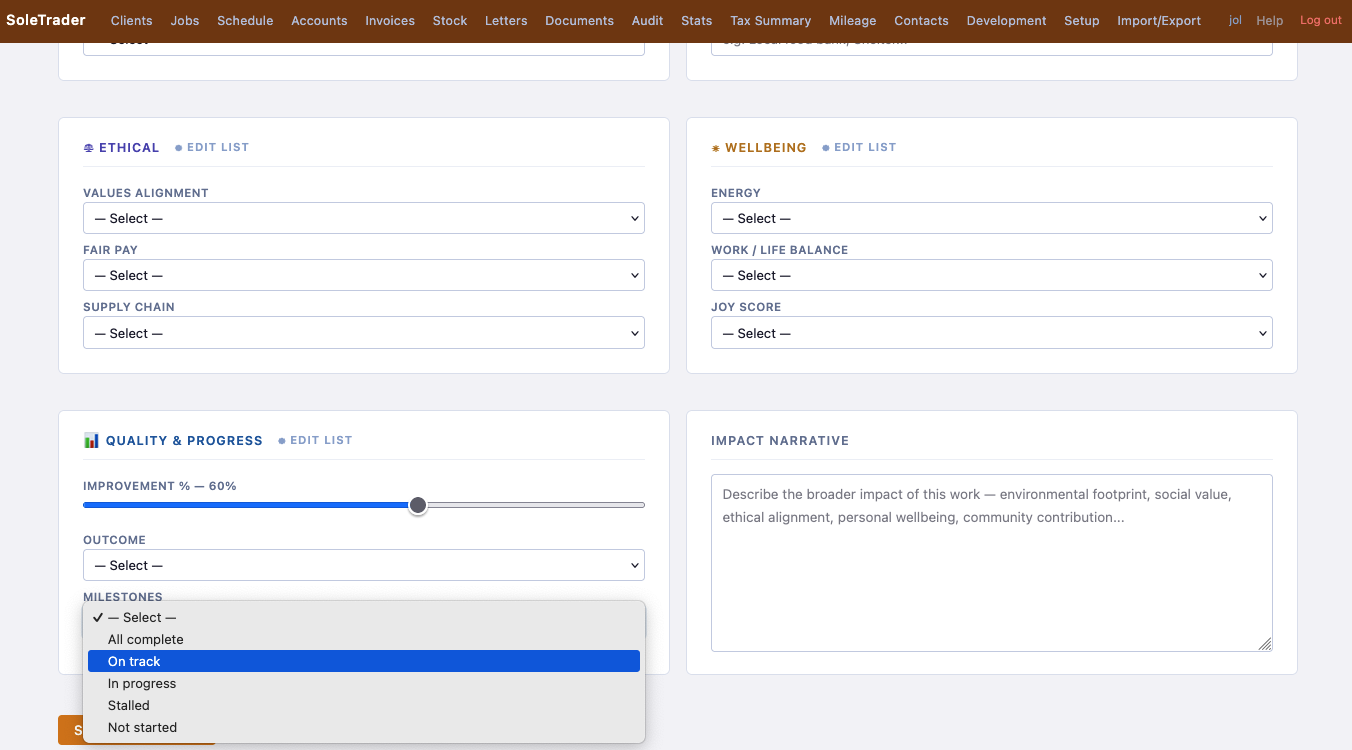
Impact quality
Quality, Progress & Impact Narrative

Admin tabs are locked for trial users — here's what's waiting when you install.
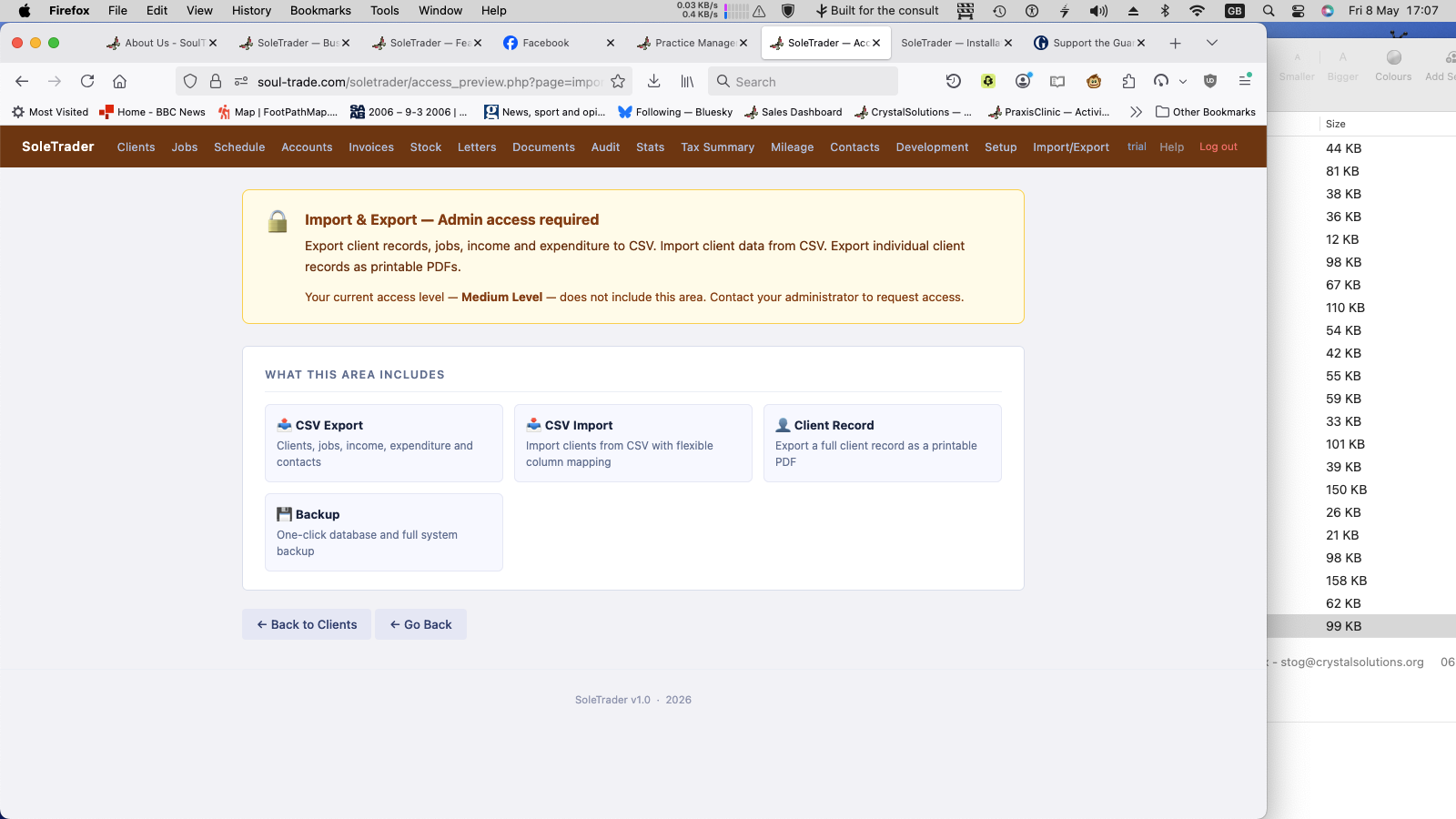
Access preview
Trial access notice
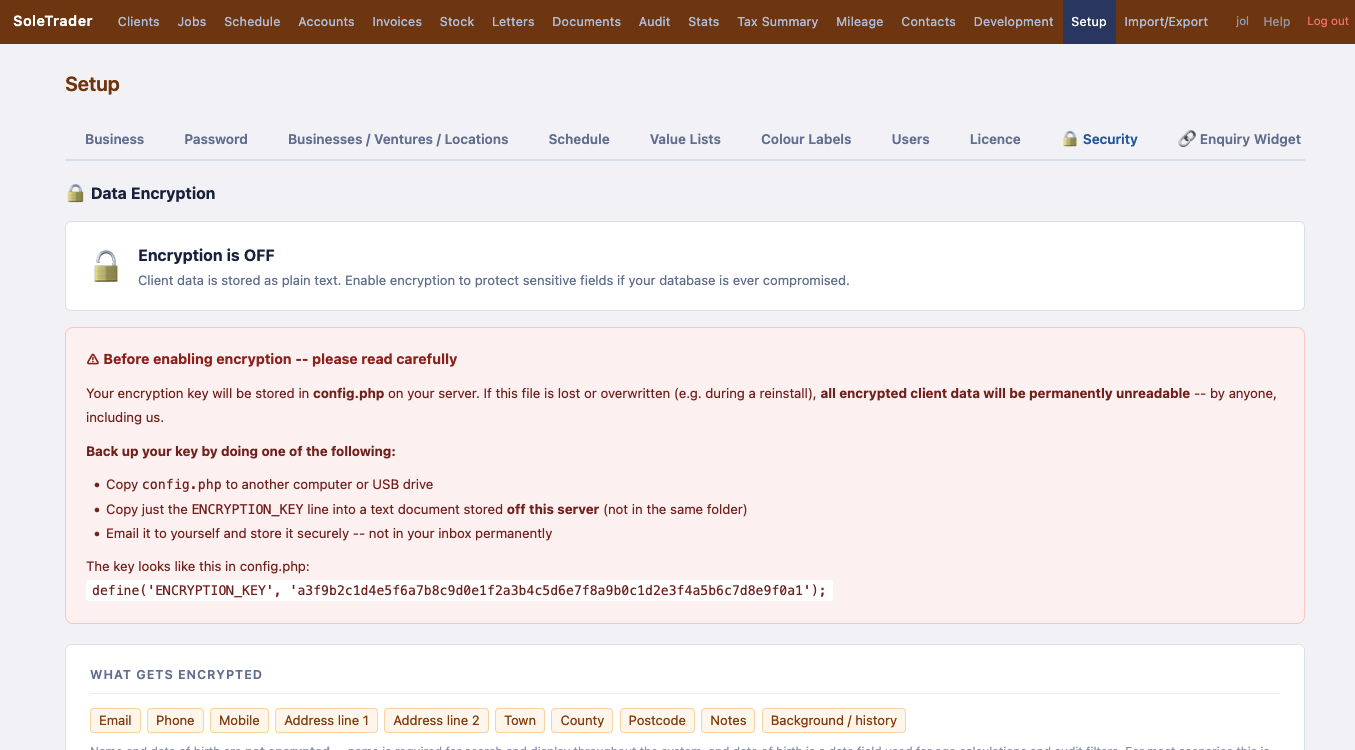
Setup security 1
Security — encryption overview
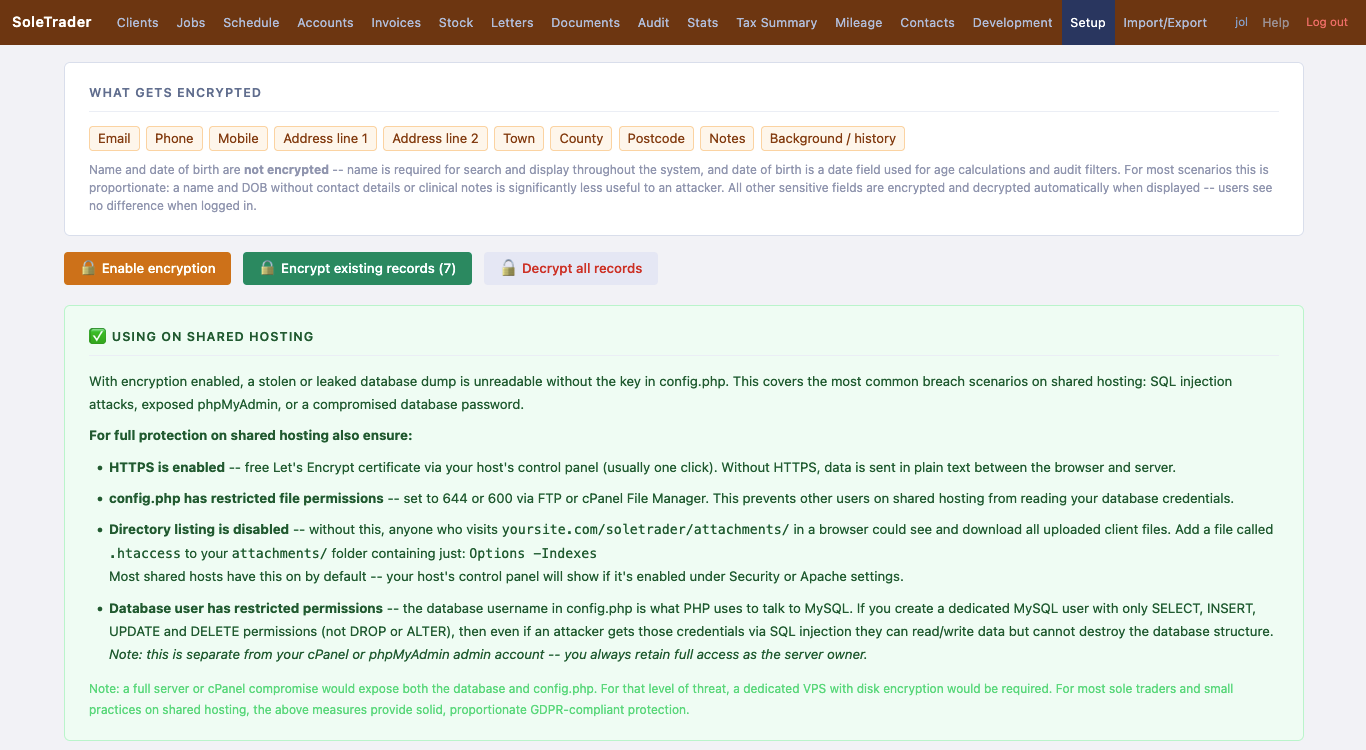
Setup security 2
Security — shared hosting checklist
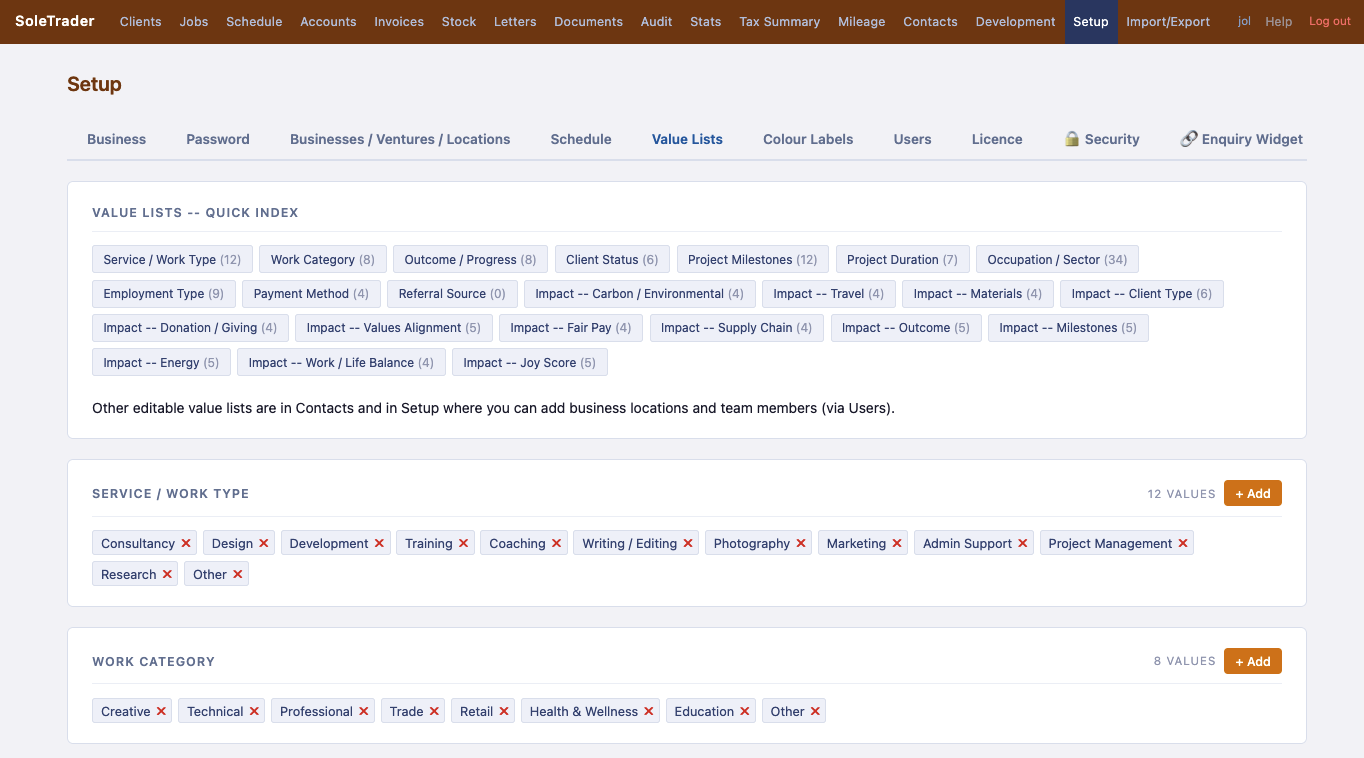
Setup value lists
Value lists — 20+ editable dropdowns
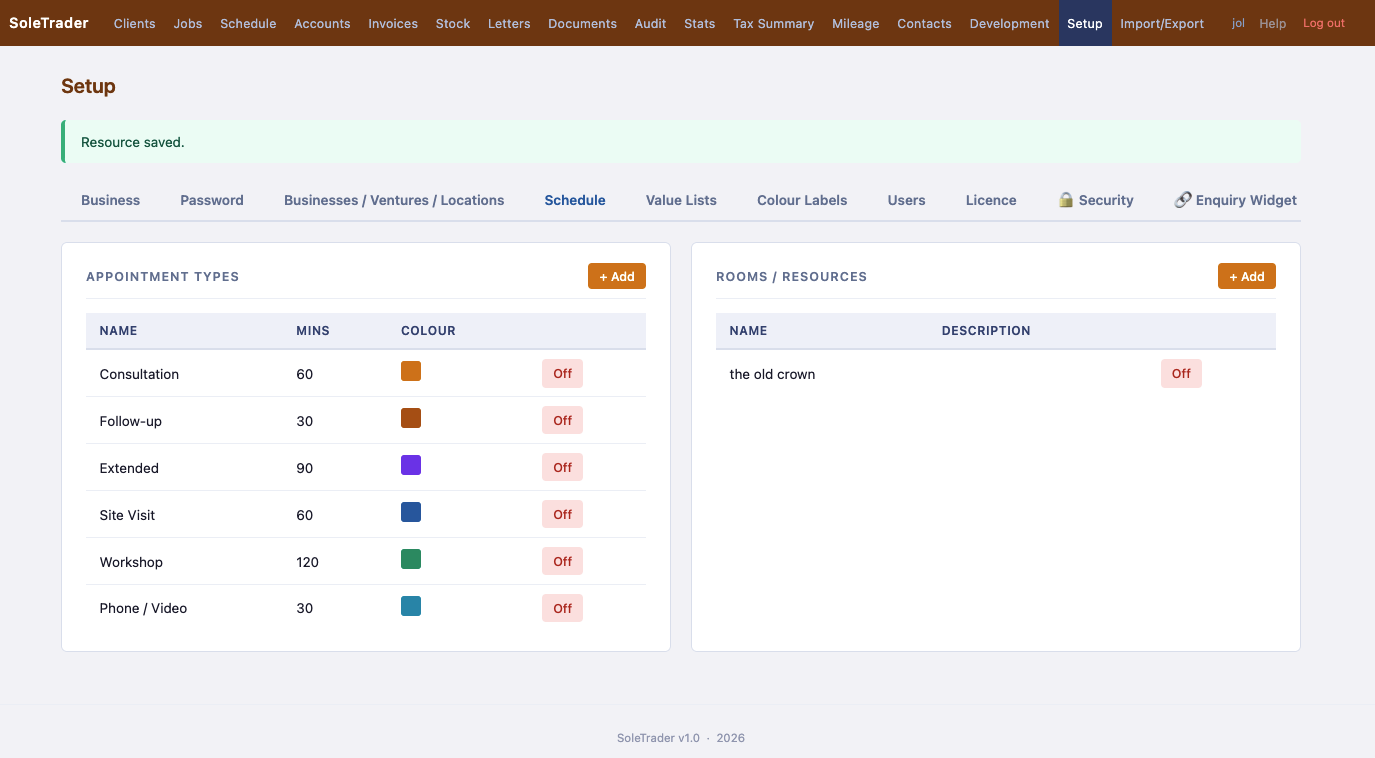
Setup schedule
Schedule — appointment types
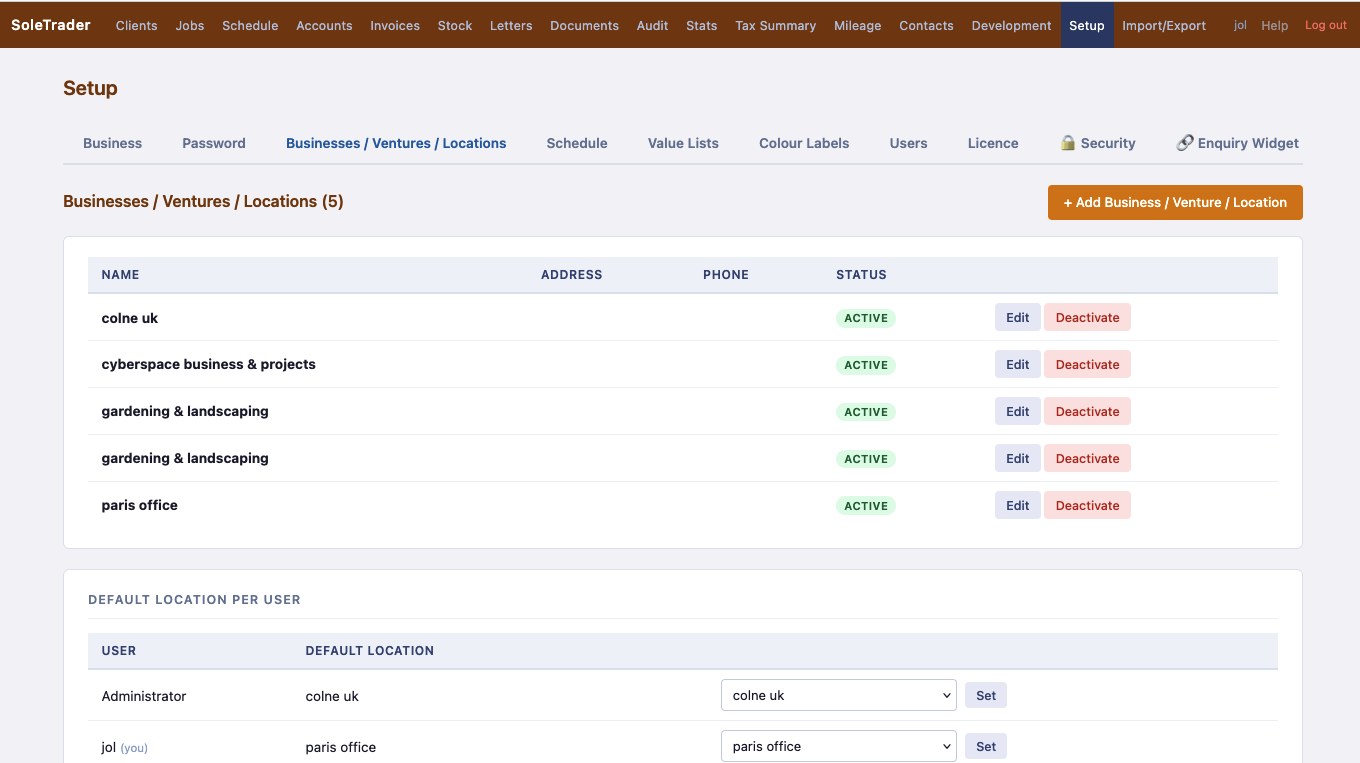
Setup locations
Businesses & locations
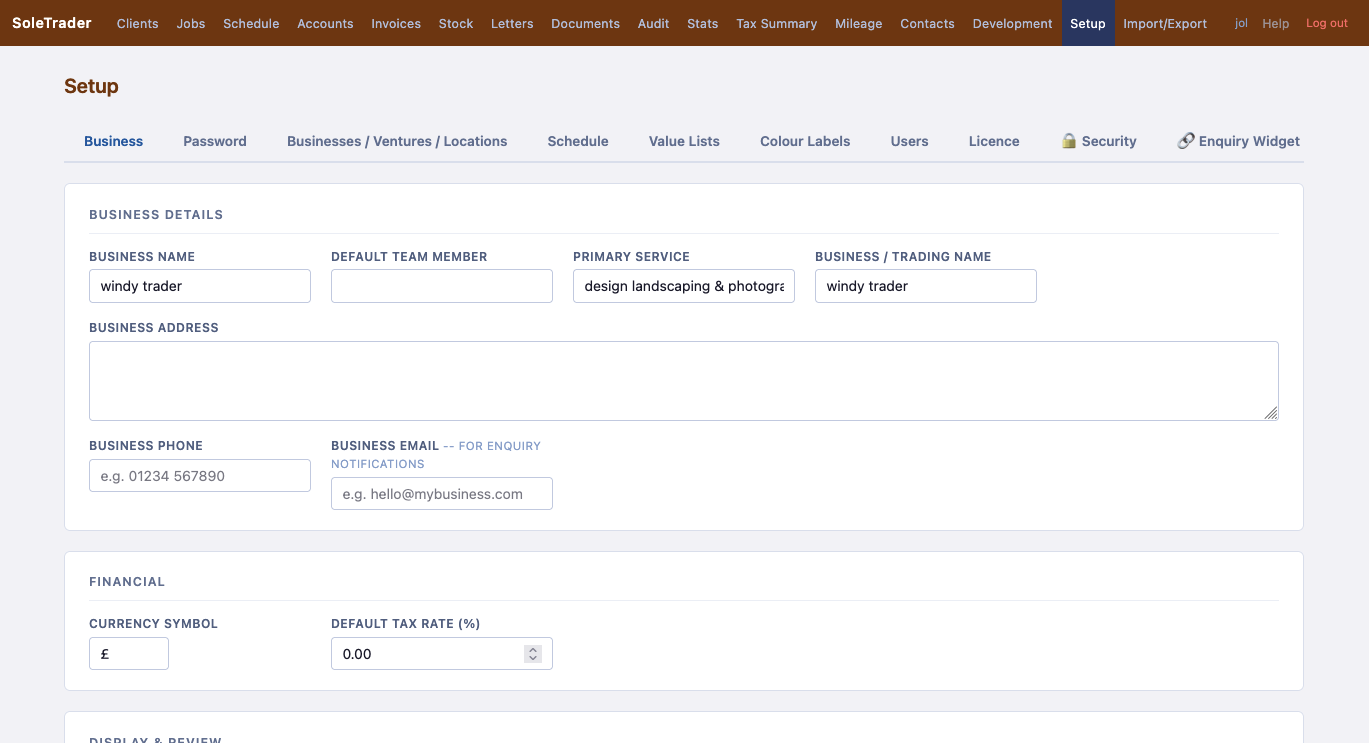
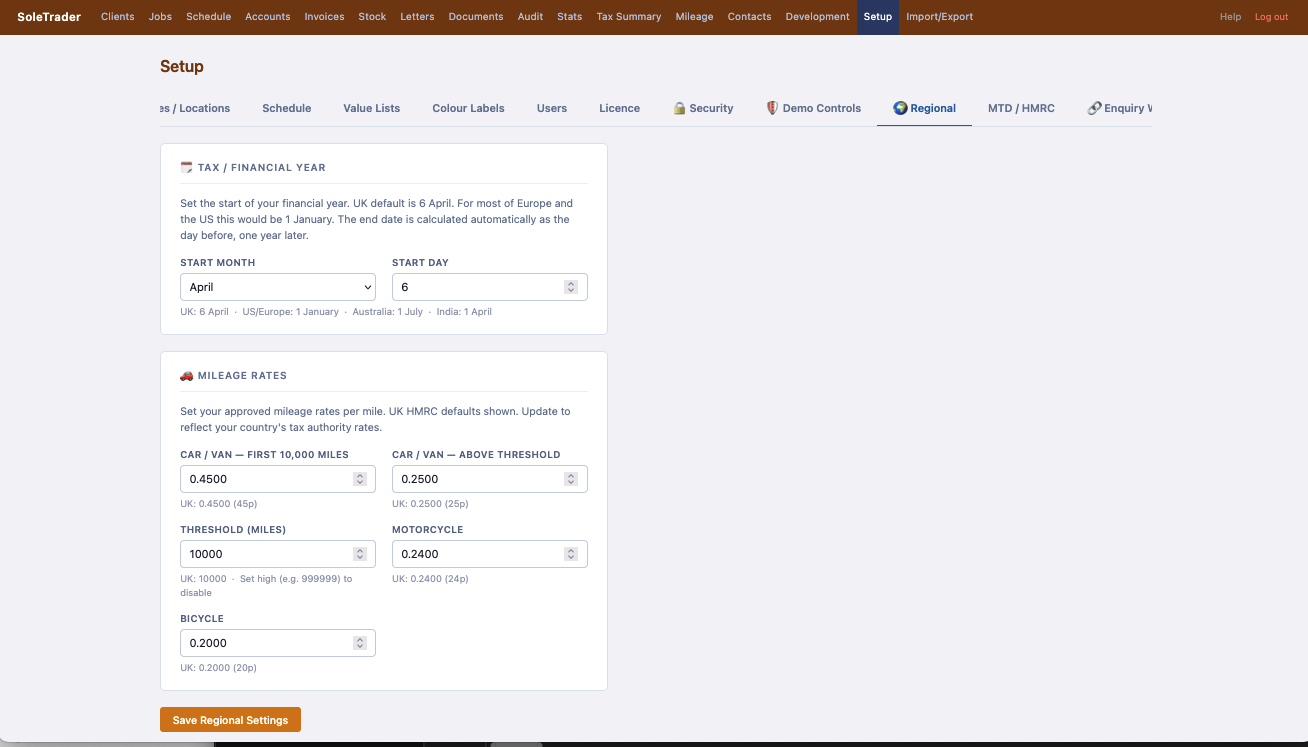
Setup business
Business details & settings
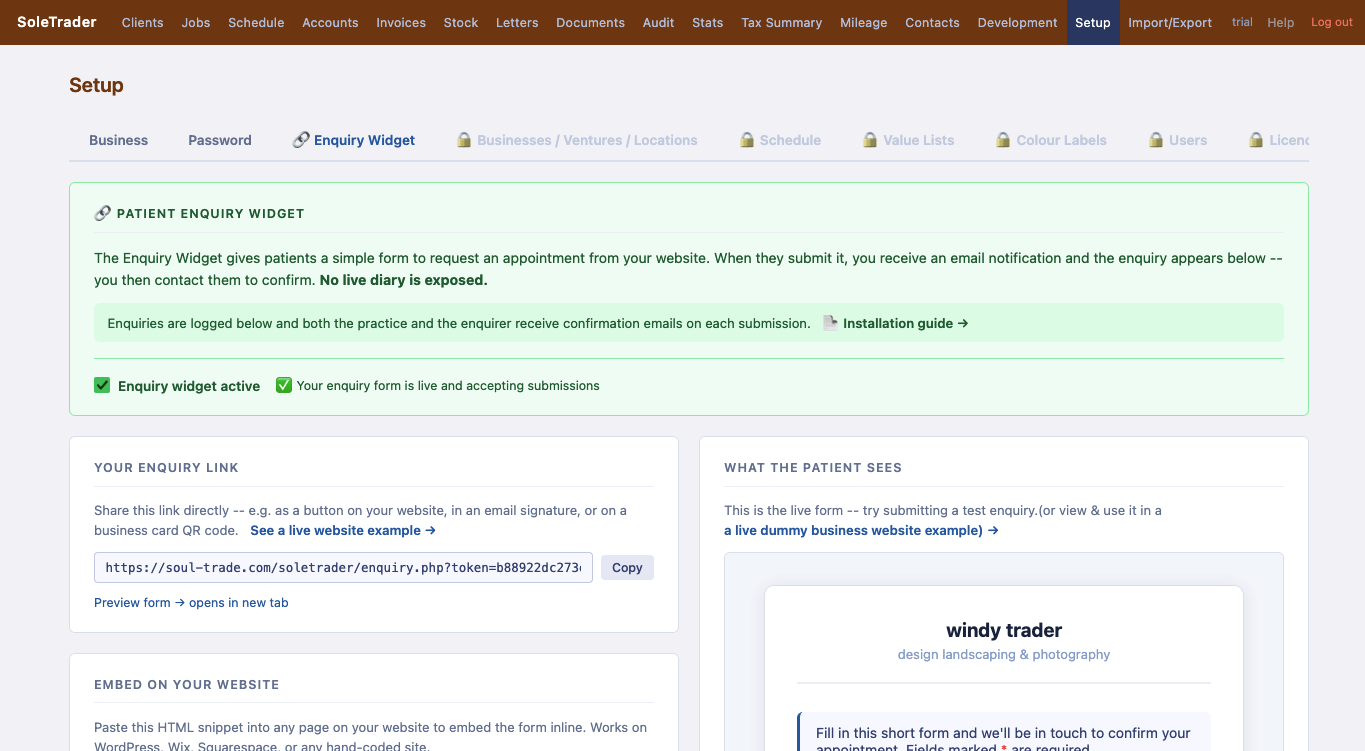
Enquiry widget
Enquiry widget for your website
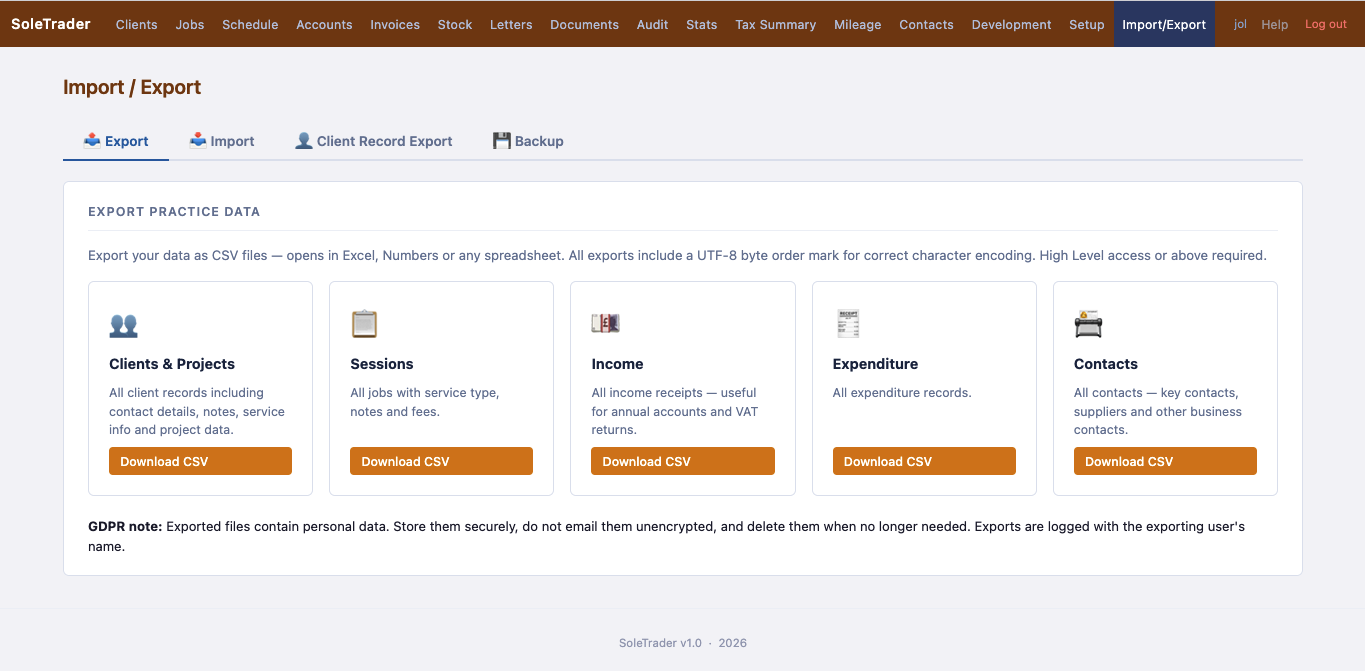
Import export
Import / Export & backup

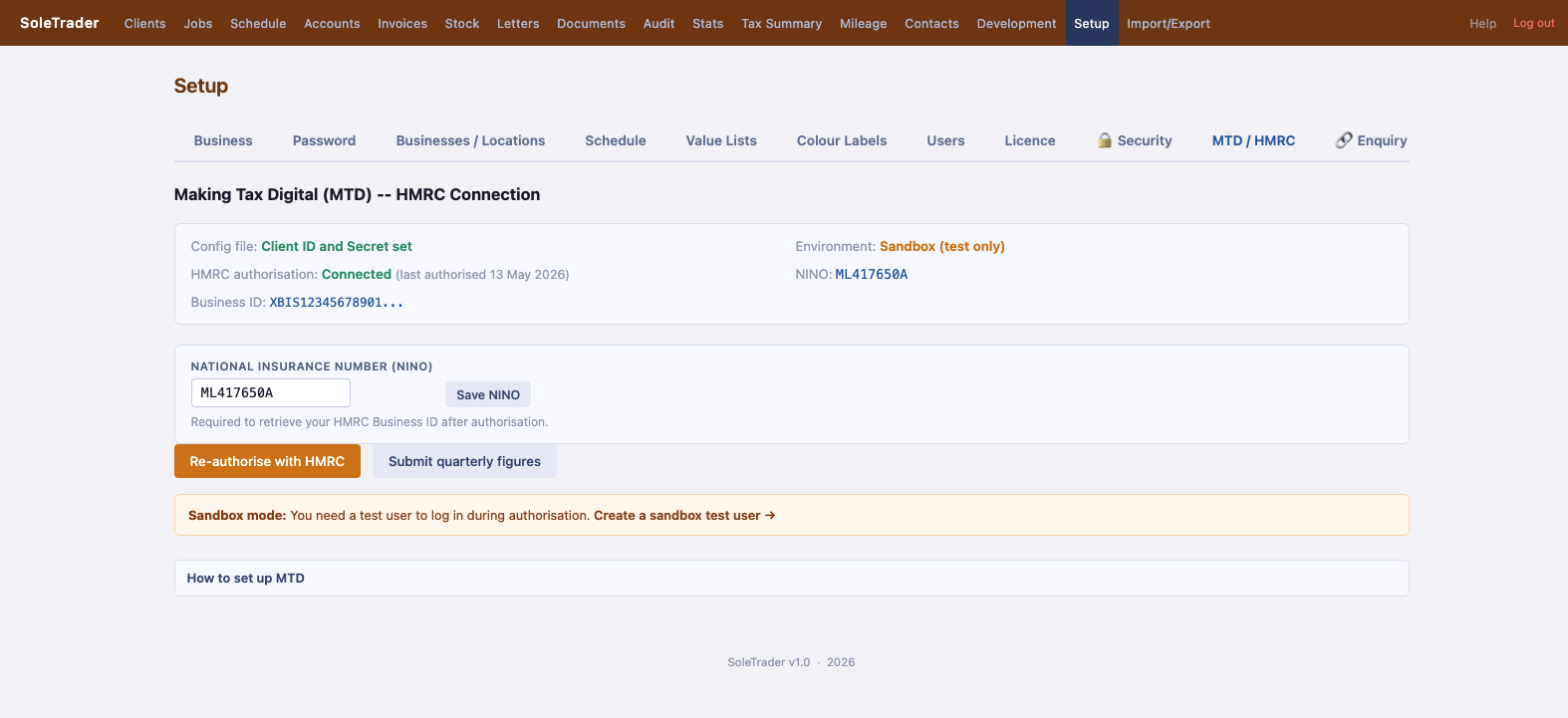
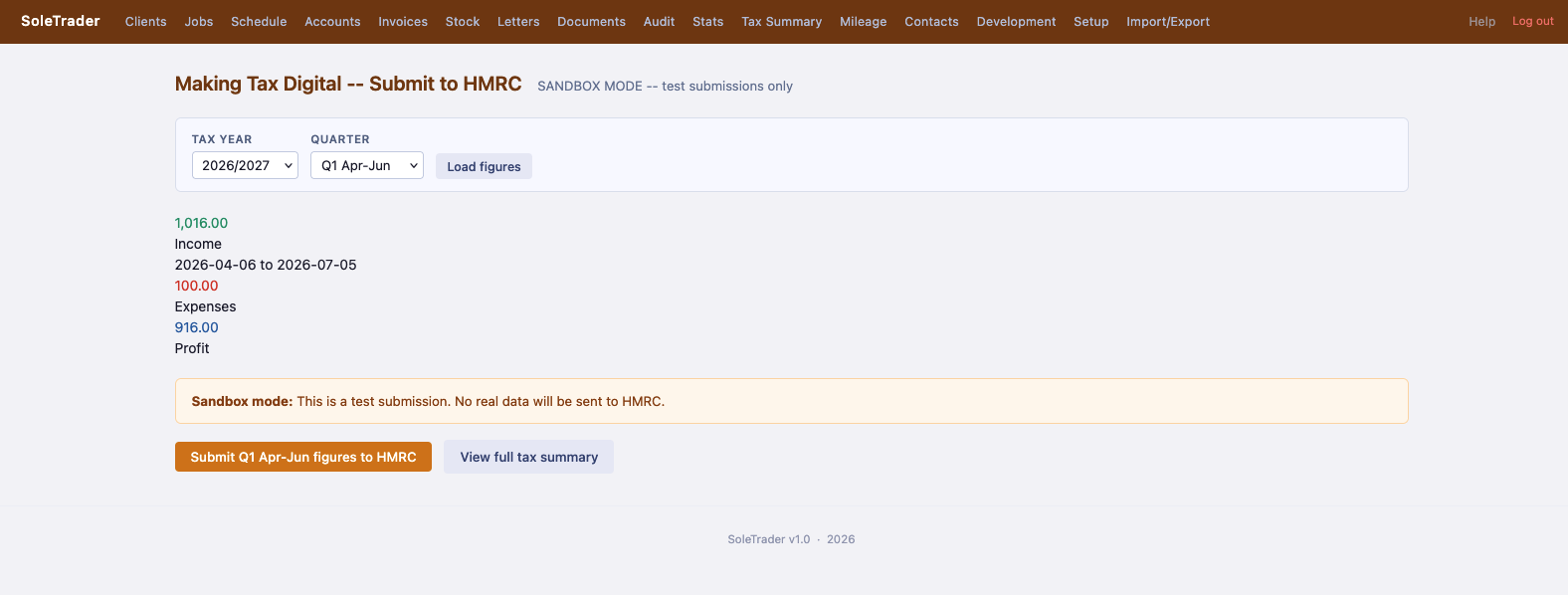
Connect SoleTrader directly to HMRC for Making Tax Digital quarterly submissions -- pulls your figures automatically from your accounts.

MTD Setup
MTD / HMRC Setup
MTD Submit
Submit quarterly figures to HMRC

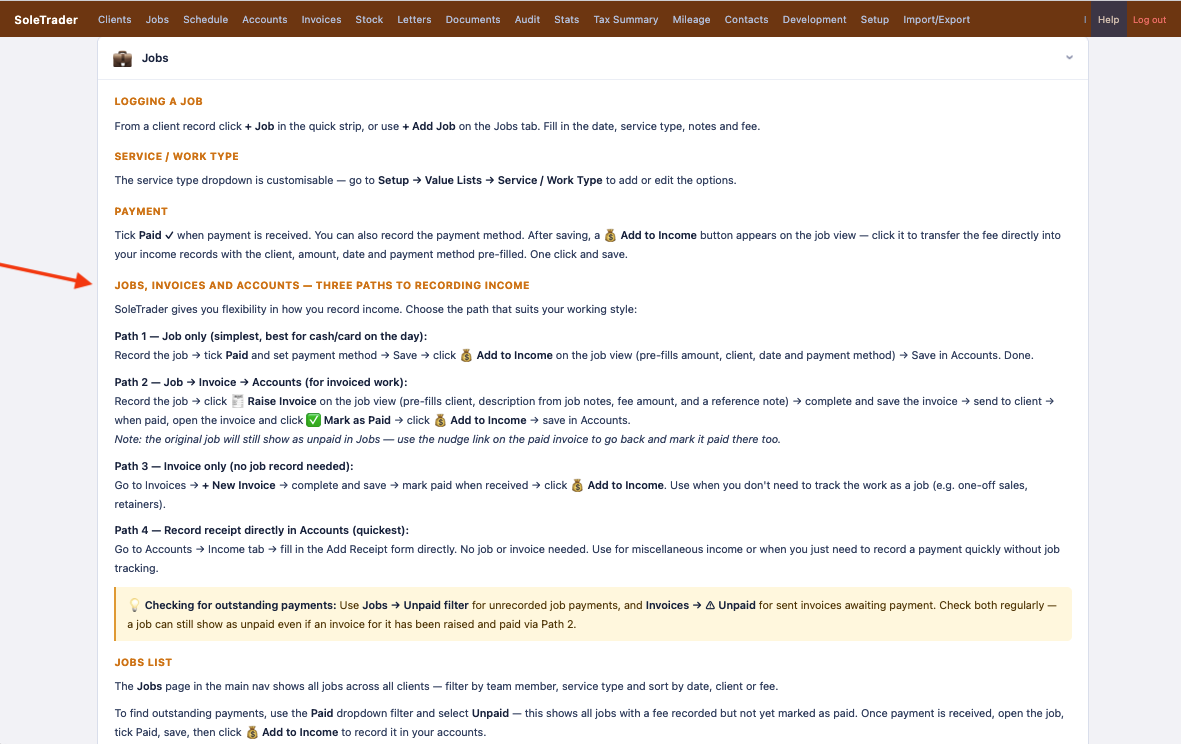
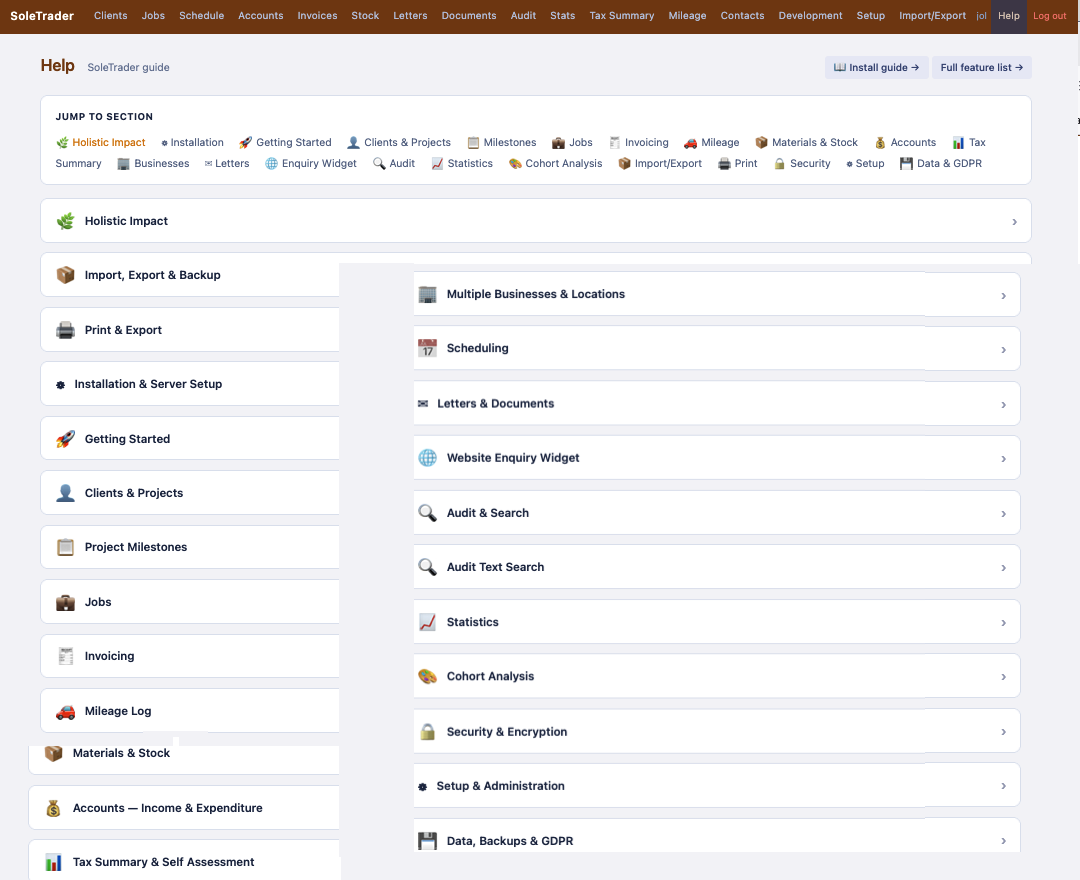
Built-in help guide — searchable, printable, with install guide link and full feature list.
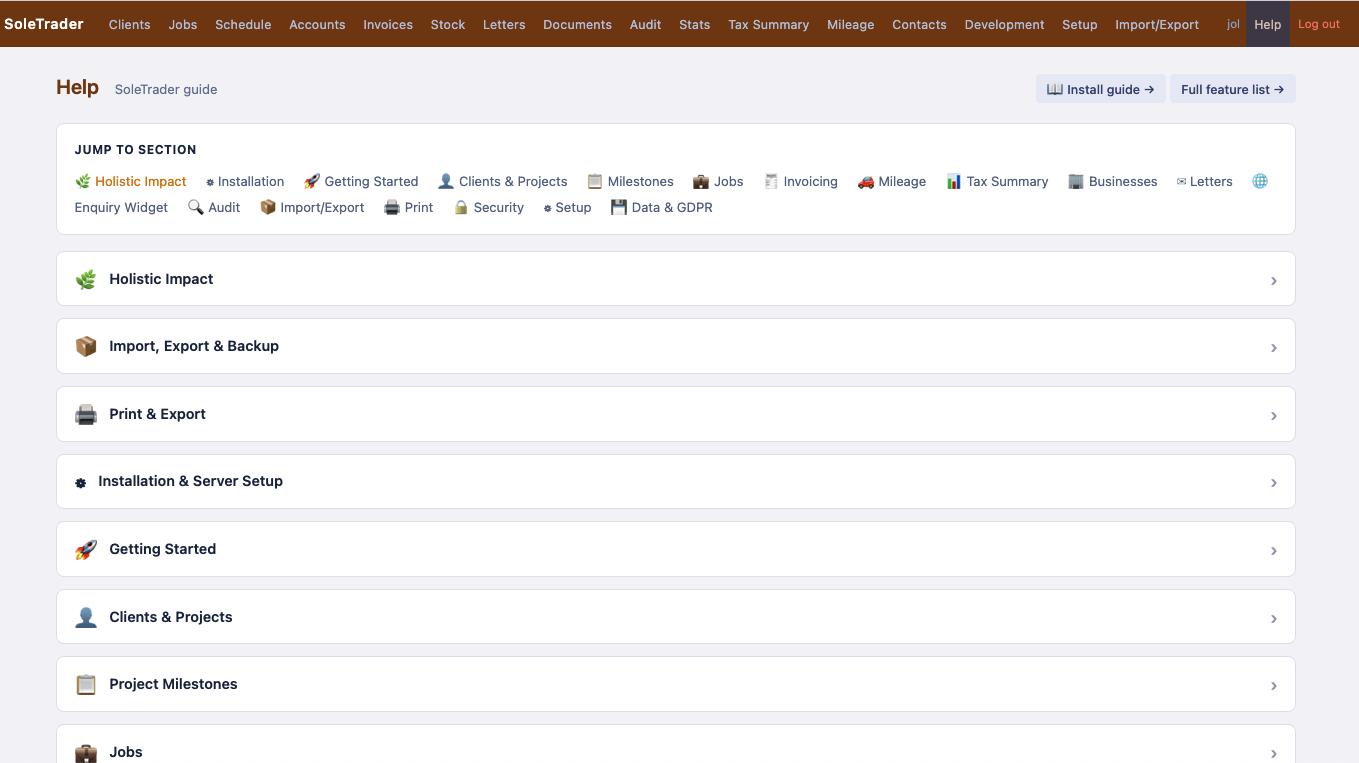
Help
Built-in help guide